


For guests. Page: the home page, findingretreats.com. Click the Finding Retreats logo at the top left of any page to get back to it.
Use the search bar at the top of the page to choose where, what type and when. Then narrow the results with the type buttons, Available only and the collection cards. You don't need an account to search.
Search for a retreat
Go to the home page, findingretreats.com. If you're somewhere else on the site, click the Finding Retreats logo at the top left. Retreats are shown first.
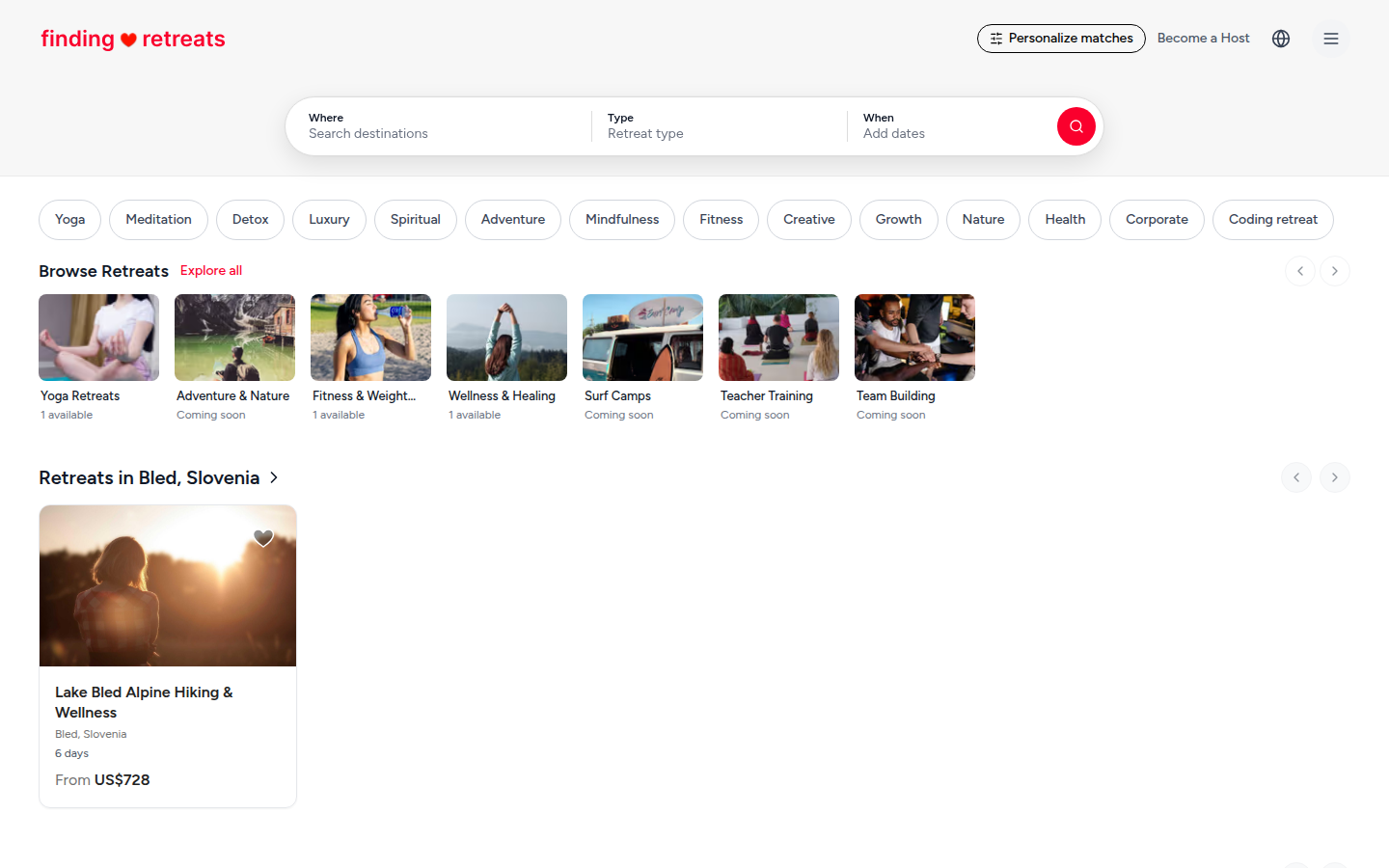
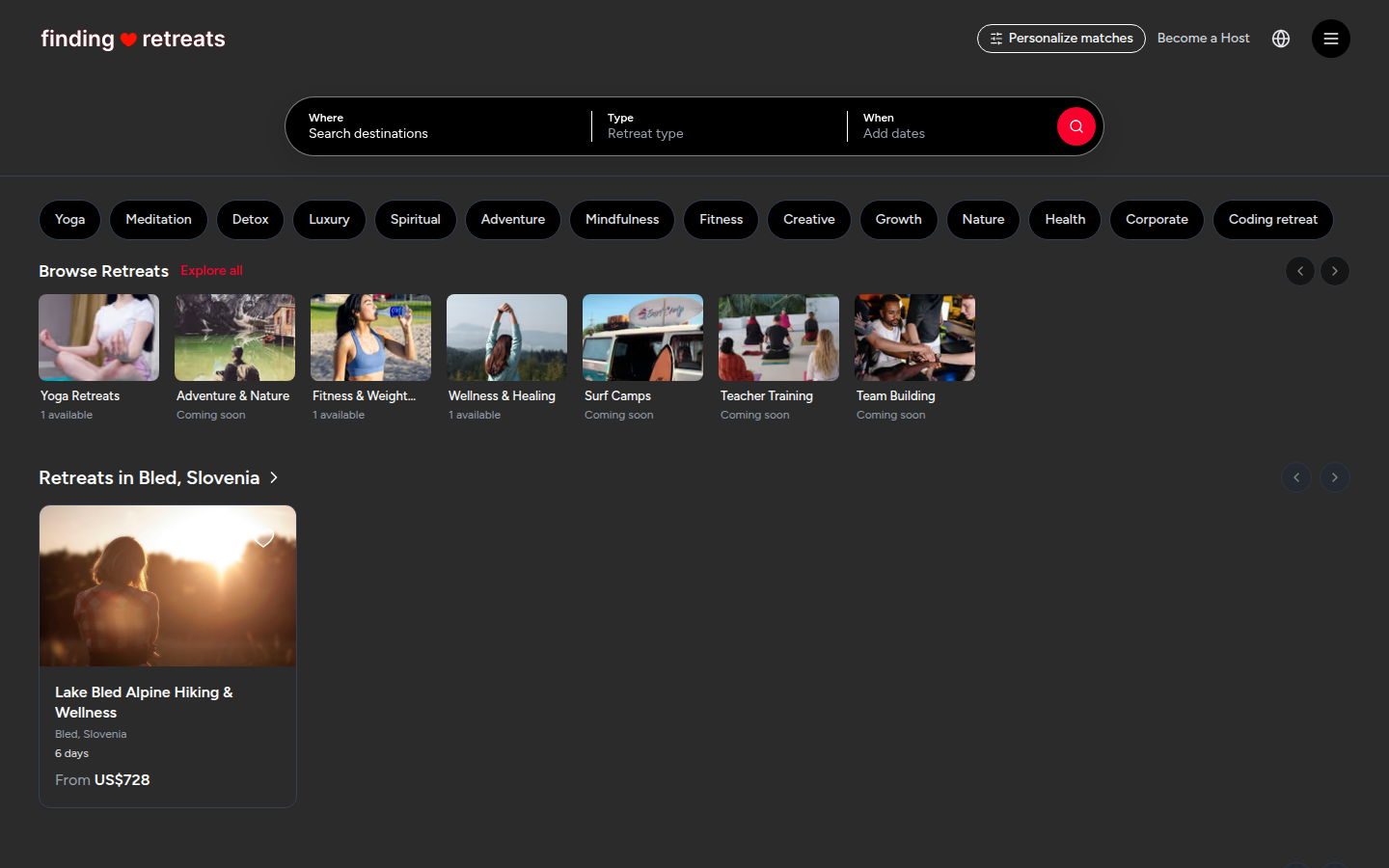
Find the search bar. On a computer or tablet it's the white rounded bar at the top centre of the home page, with three boxes: Where, Type and When. (On a results page it shrinks to a smaller bar; click it to open the three boxes again.) On a phone, tap the rounded bar at the top of the screen (it says Start your search, or Retreats in Anywhere once you've searched). A search panel opens with the same three choices.
Click Where and type a country, region or city. Places that match appear in a list underneath. Click one. You can also pick from Suggested destinations, or choose Nearby to see retreats close to you.
Click Type and choose a kind of retreat, such as Yoga or Detox. Some types open a second, shorter list (for example a style of yoga). Pick one, or leave it at the main type.
Click When to open a calendar. Click your first day, then your last day. Or pick a quick choice above the calendar: This weekend, Next weekend, This month, Next month or I'm flexible. Dates are optional.
Press the red round button with the magnifying glass at the right end of the search bar. On a phone, press Search at the bottom of the panel. The results page opens with retreats that match.
Narrow the results
These sit just under the page heading, above the retreat cards.
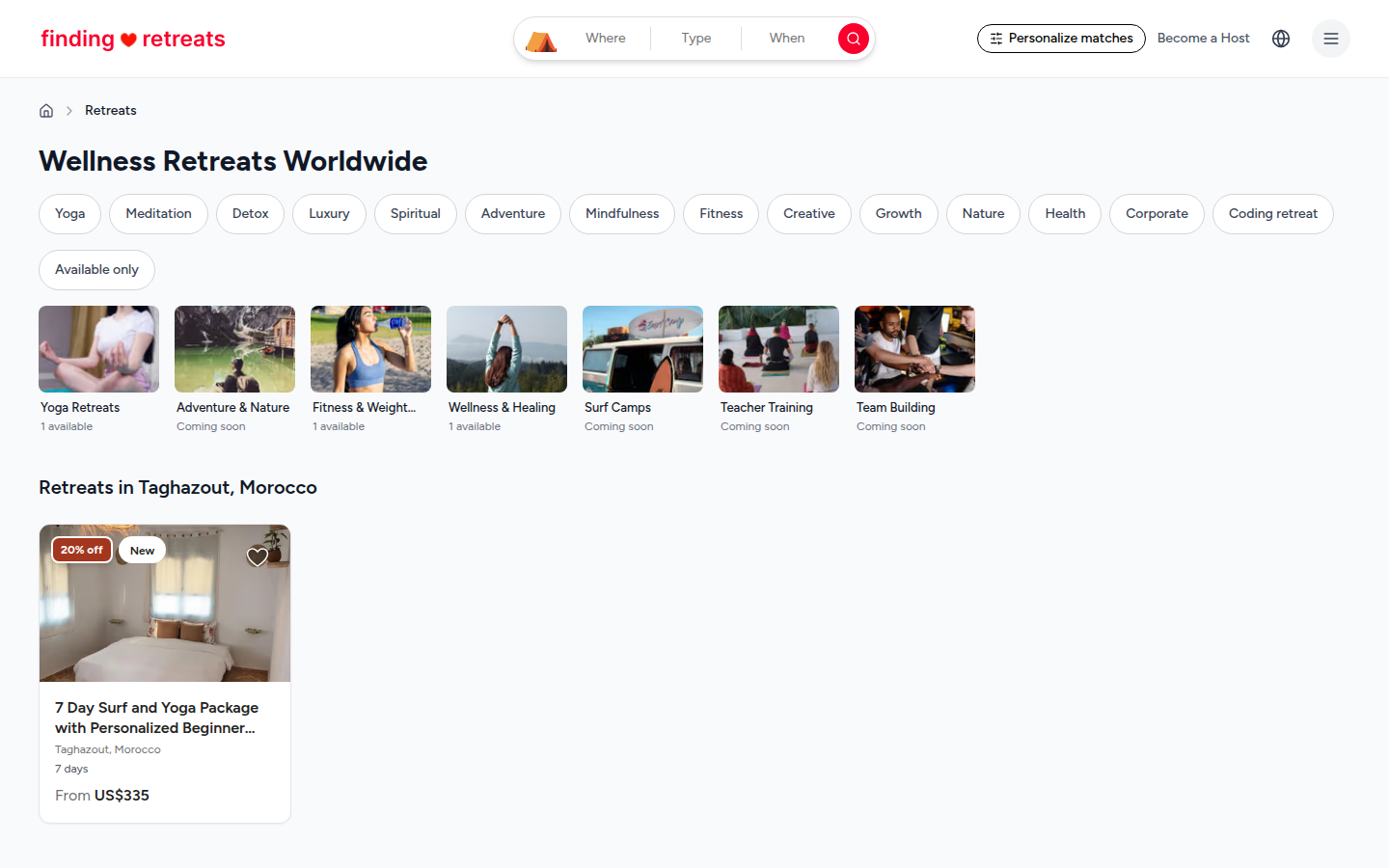
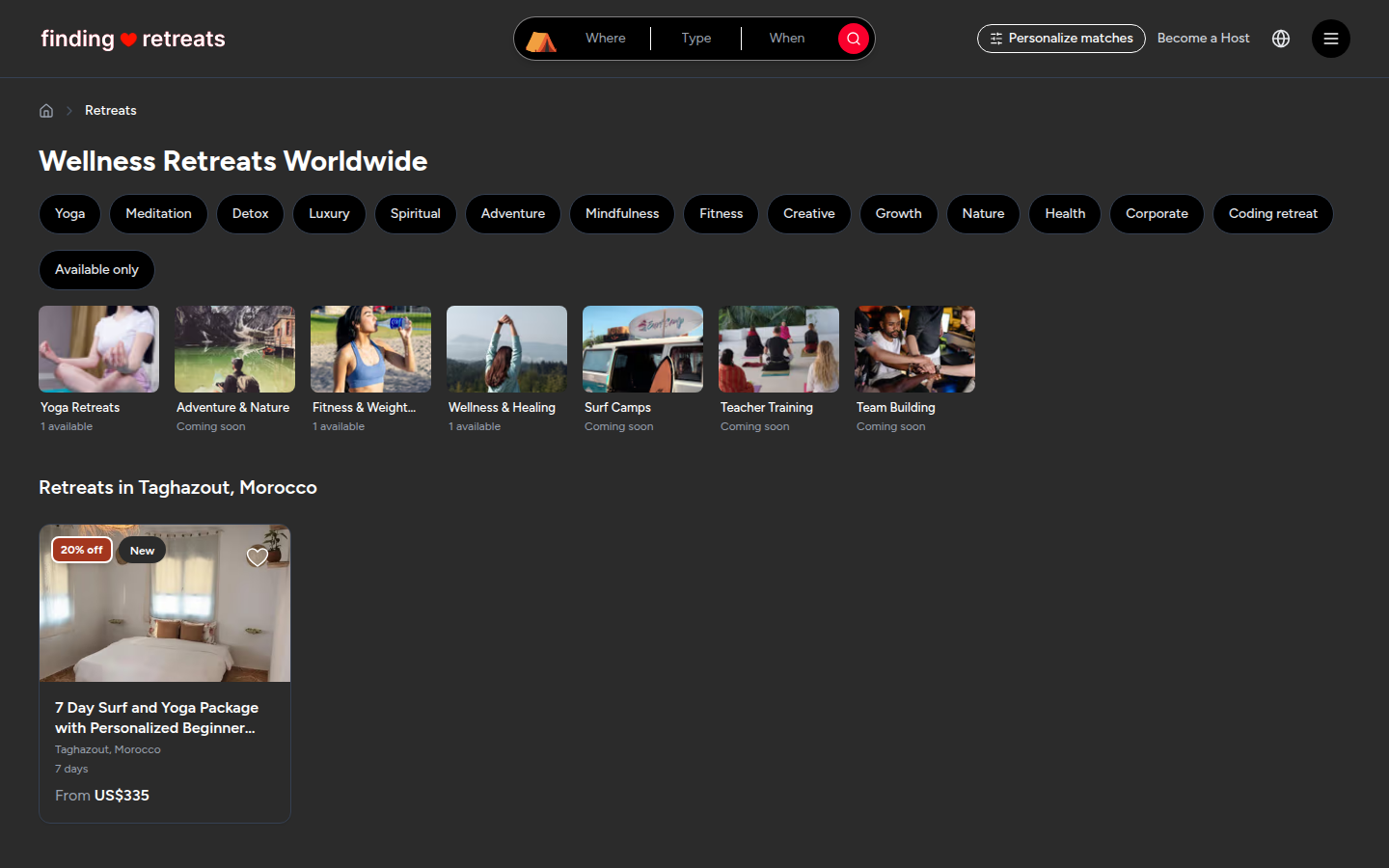
Retreat type buttons: a row of rounded buttons such as Yoga, Meditation and Detox. Tap one to show only that type. Tap more to add them. Tap a highlighted button again to remove it. Slide the row sideways (or use the arrows at its ends) to see more types.
Available only: the button under the type row. Tap it to hide retreats that are fully booked. It turns red, with a small ×, while it's on. Tap it again to show everything.
Collection cards: the picture cards under that, such as Surf Camps or Teacher Training. Tap one to see only that collection.
Sort by fit for you: tell us what you like and retreats that match you best come first. On a computer or tablet, click Personalize matches (or Personalize) at the top right of the page. On a phone, tap the small round button at the top right, next to the globe. Once you've saved your choices, the line above the results says "sorted by fit for you". Tap Show our usual order to switch back.
Good to know
Each choice narrows the results further. If you see no retreats, remove a type button, turn off Available only or try a wider place, such as a country instead of a city.
Your choices are saved in the page address, so you can bookmark the page or send the link to a friend.
Tap the heart at the top right of any retreat card to save it to your wishlist. See How do I save a retreat to my wishlist?
Prices on the cards show the lowest price per person. Open a retreat to see the price for your dates and room.
Common questions
Can I filter by price, length or facilities?
Not yet. Use the type buttons and dates to narrow the list, then open a retreat to check its price, length and facilities.
Can I choose the number of guests when I search?
No. You choose how many people are coming on the retreat's own page, when you pick a room.
Why can't I find a retreat I saw before?
It may be fully booked (turn off Available only) or no longer listed. Retreats you opened recently are under Recently viewed on the home page. See How do I find retreats I looked at before?
Still stuck? Message us. On a computer or tablet, click the round menu button with three lines at the top right of the page and choose Messages. On a phone, tap Messages in the bar at the bottom of the screen. Change All to Support above your conversations, then press Contact Support.
Related: How do I narrow my retreat search? · What's on a retreat page? · How do I book a retreat?