


For guests. You need to be logged in. Page: any page with retreat cards, or a retreat's own page.
A wishlist is a named list of retreats you want to come back to. You can have as many as you like, for example one per trip idea.
Save a retreat
Find the heart. On a retreat card (on the home page or in search results), it's at the top right of the picture. On a retreat's own page, it's at the right end of the line under the photos on a computer or tablet, and at the top right of the photo on a phone.
Click the heart. If you're not logged in, a log-in window opens first. Once you've logged in, the next window opens by itself.
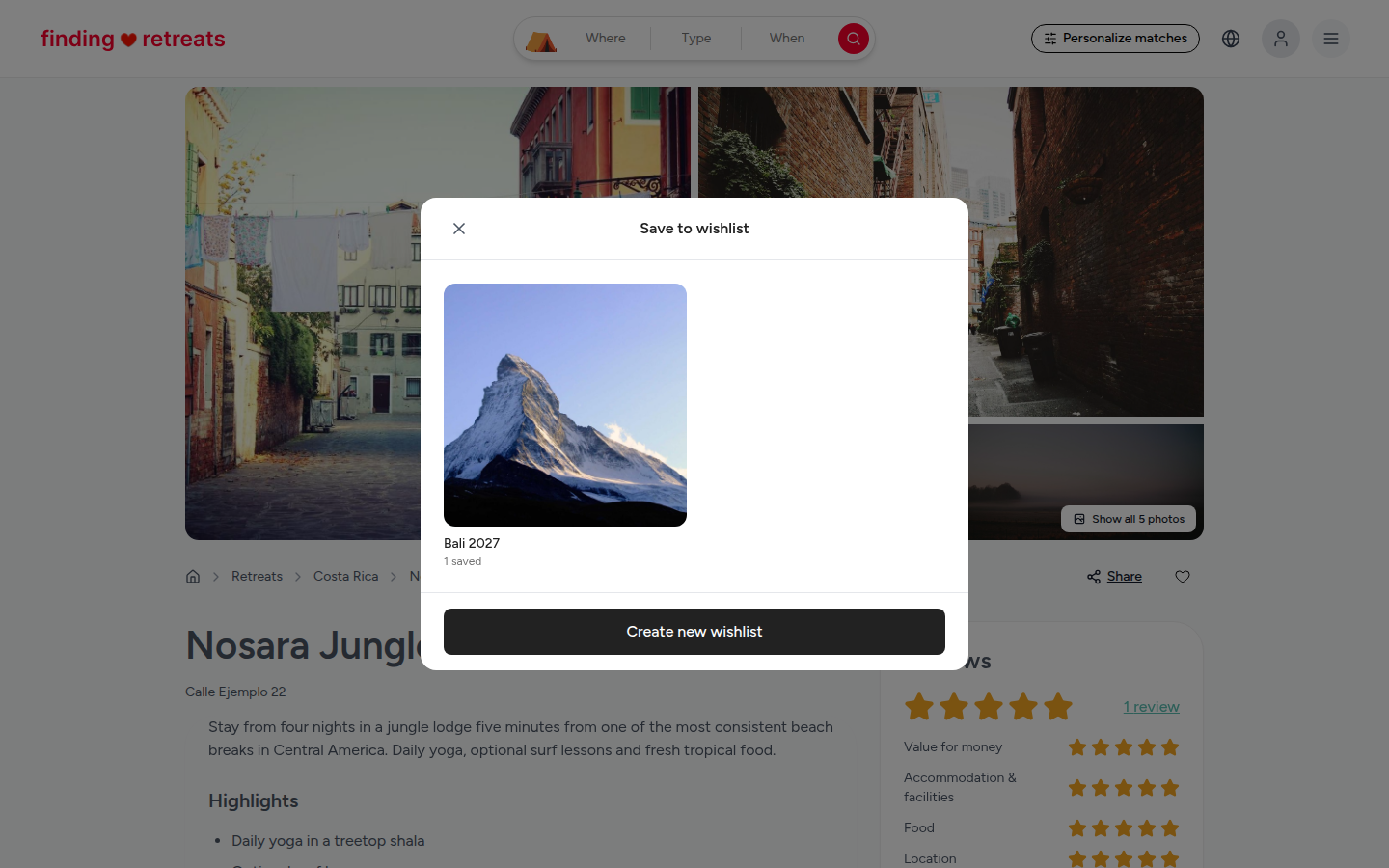
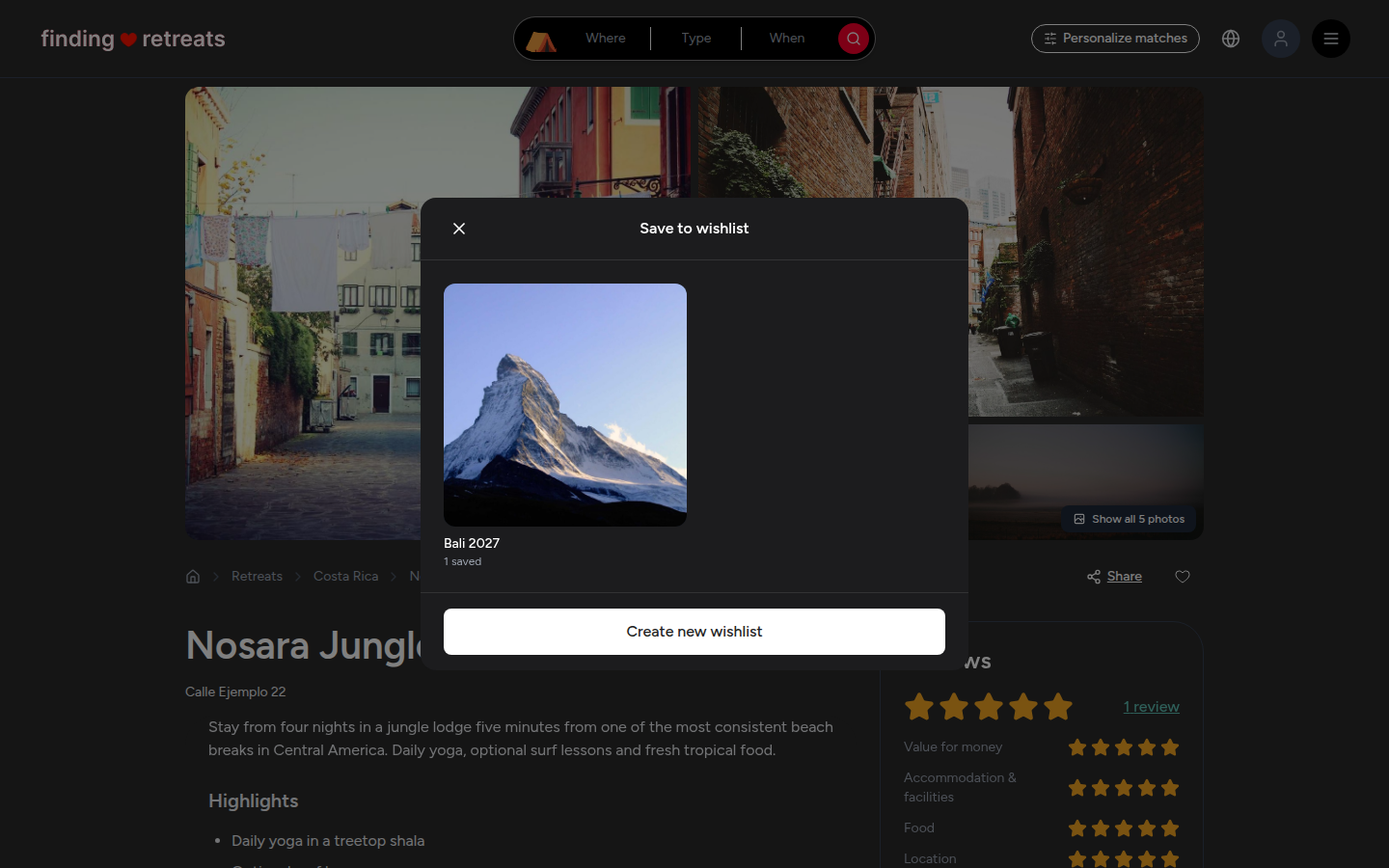
A Save to wishlist window opens (on a phone it slides up from the bottom). It shows your wishlists as picture tiles.
Click the wishlist you want. The window closes and the heart turns solid red. The retreat is saved.
No wishlists yet, or want a new one? Press Create new wishlist at the bottom of the window. Type a name (up to 100 characters) and press Create wishlist. The retreat is saved straight into it.
Find your wishlists
On a computer or tablet, click the round menu button with three lines at the top right of the page, then choose Wishlist under "Your trips". On your dashboard you can also click Wishlist in the links at the top of the page.
On a phone, tap your profile picture at the right end of the bar at the bottom of the screen, then tap Wishlist under "Your trips".
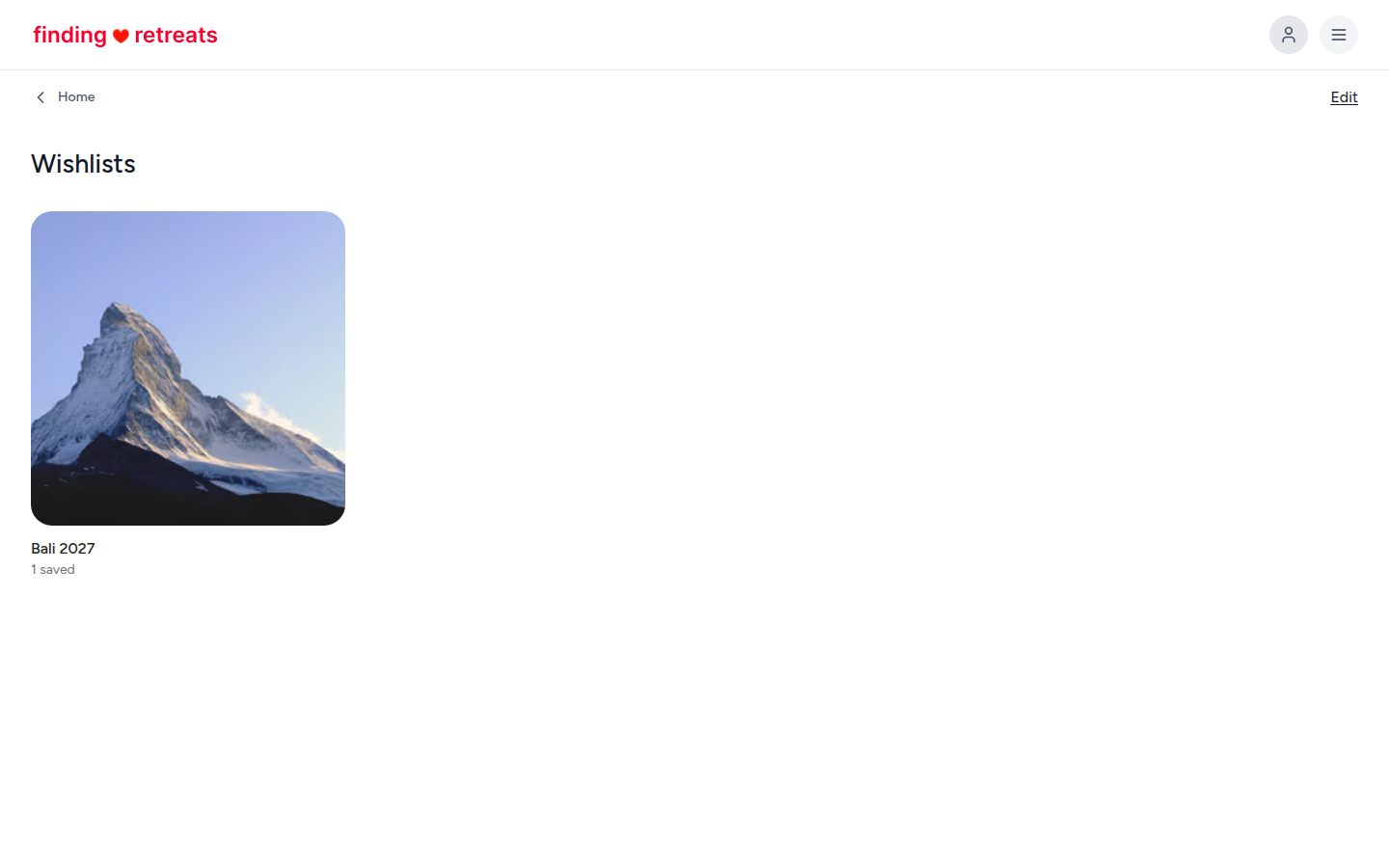
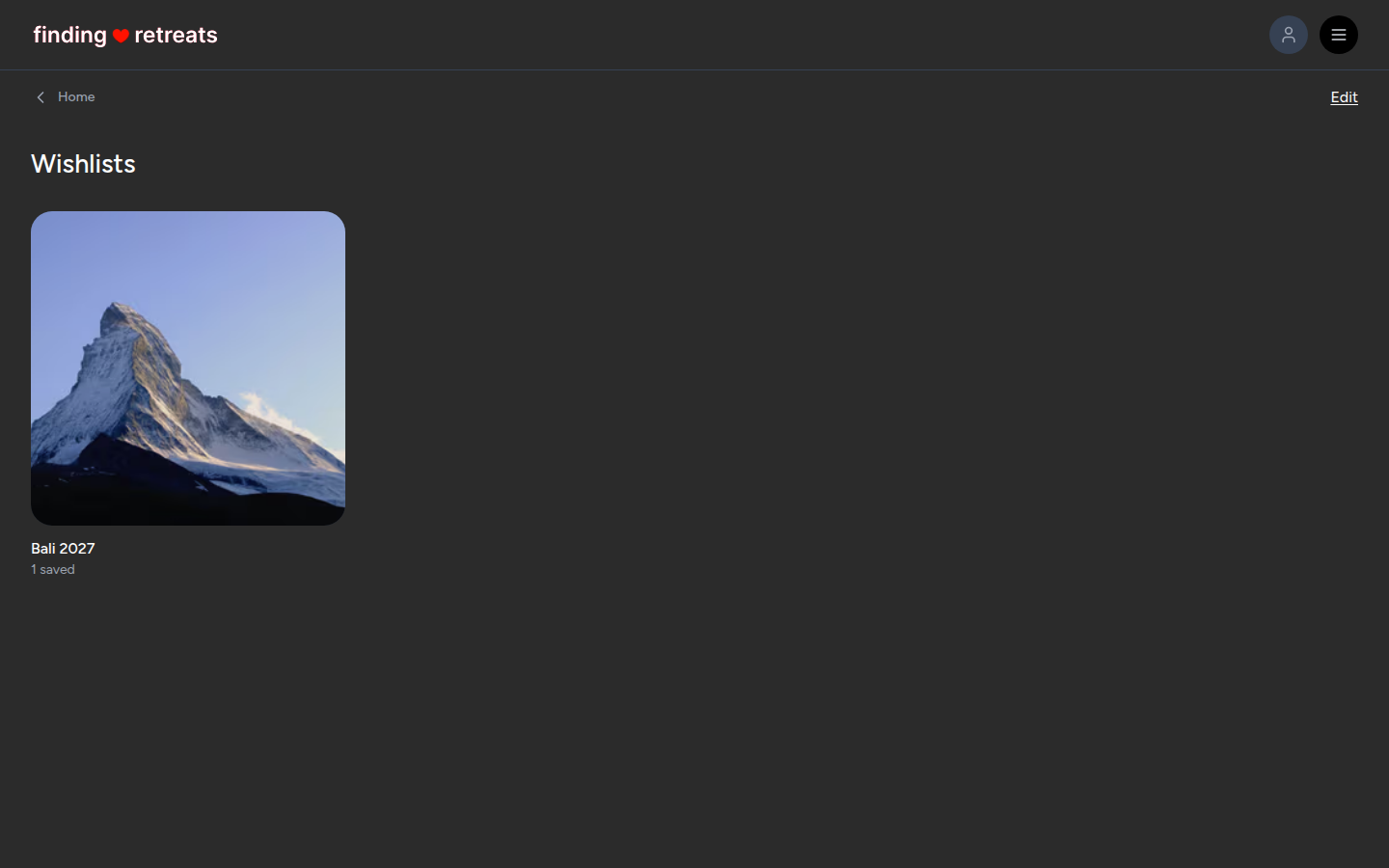
The Wishlists page opens with a tile for each wishlist. Click one to see the retreats in it. Click a retreat to open it.
Remove a retreat
Click the solid red heart on the retreat (on its card or its page). It's removed straight away, with no question asked.
Or open the wishlist from the Wishlists page, click Edit at the top right, then click the small X at the top left of the retreat you want to remove.
Rename or delete a wishlist
On the Wishlists page, click Edit at the top right.
Each wishlist now shows a pencil button (rename) and a red bin button (delete).
To rename, click the pencil, type the new name and press Enter. To delete, click the red bin, then press Delete to confirm. Deleting can't be undone.
Click Done when you've finished.
Common questions
Why do I have to log in?
Your wishlists are kept with your account, so you can see them on your phone and your computer.
Do hosts see my wishlist?
No. Your wishlists are private.
Still stuck? Message us. On a computer or tablet, click the round menu button with three lines at the top right of the page and choose Messages. On a phone, tap Messages in the bar at the bottom of the screen. Change All to Support above your conversations, then press Contact Support.
Related: How do I find retreats I looked at before? · How do I search for retreats? · Tour of your guest dashboard