


For guests. Page: any retreat page. Open one by clicking a retreat card on the home page or in your search results.
Every retreat page has the same parts in the same order. On a computer, the details run down the left and the booking box sits on the right. On a tablet, everything is in one column and the booking box is at the bottom of the page, after the reviews. On a phone, everything is in one column too, and a booking bar stays at the bottom of the screen.
The top of the page
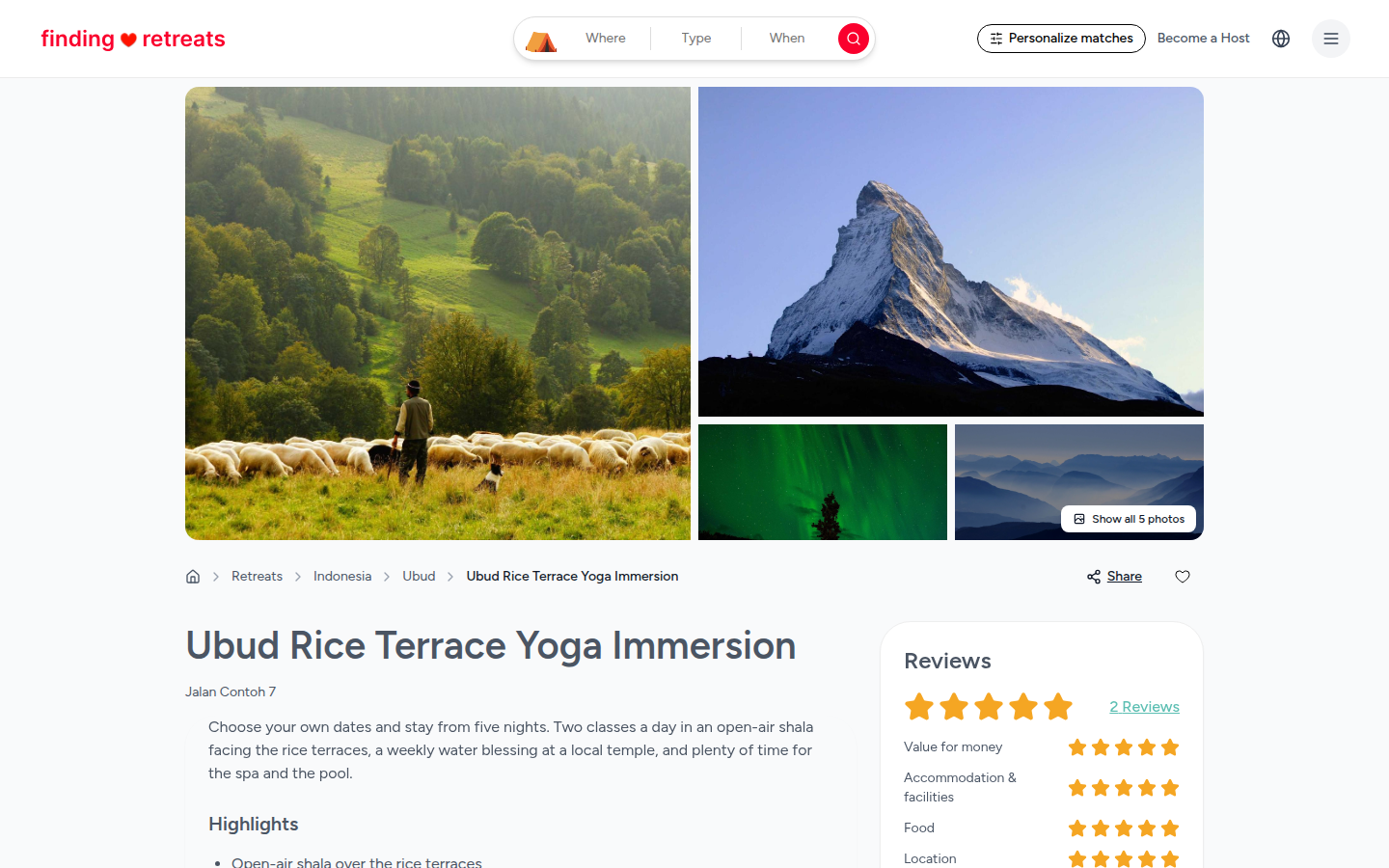
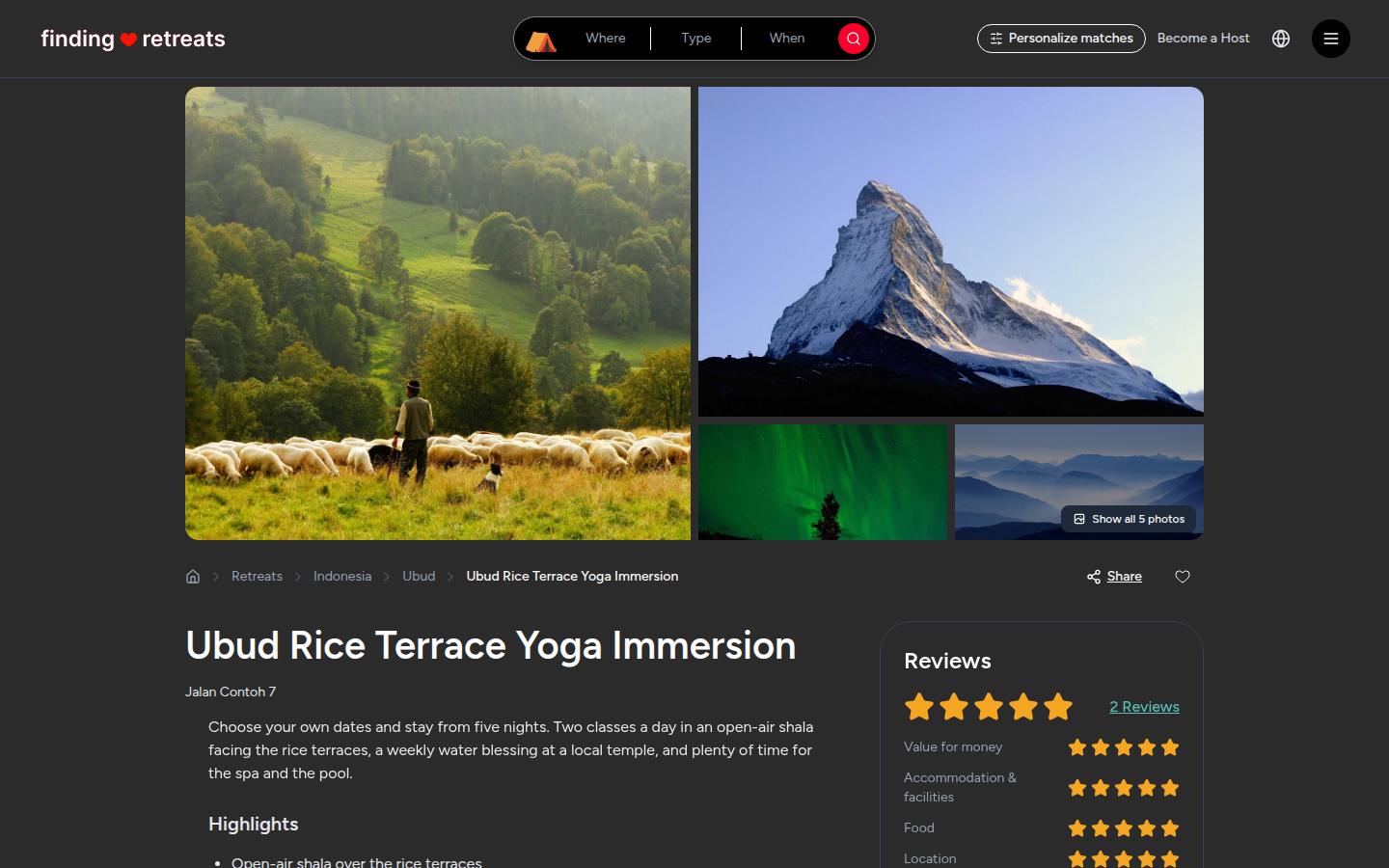
Photos. The photos fill the top of the page. On a computer or tablet, click the white Show all photos button at the bottom right of the photos to open them full size. On a phone, swipe the big photo left or right; the counter at the bottom right (for example "1 of 5") shows where you are.
Where it is. Just under the photos on a computer or tablet is a trail of links, such as Retreats › Indonesia › Ubud. Click a place to see other retreats there.
Share and Save. On a computer or tablet, Share and a heart are at the right end of that same line. On a phone they're round buttons at the top right of the photo. Share lets you copy the link or send it to a friend. The heart saves the retreat to your wishlist (you'll be asked to log in first).
Title and summary. The retreat's name, its address, and a short description from the host.
The details
Scroll down to read these. Each one is a box with a heading. Click a heading to fold that box away, or click Collapse all (just above the first box, on the right) to fold them all and see the headings only. For what to look out for, see What do the photos, program and inclusions tell me?
Highlights, Skill level and styles: short lists of what makes the retreat special, who it suits (for example Beginner or Intermediate) and the styles taught.
Flexible dates: if you see "Flexible dates - Choose your own start date", you can pick the day you arrive. Otherwise the retreat runs on set dates.
The organizer also speaks: other languages the host speaks.
Program: if the host has added one, a sample daily schedule.
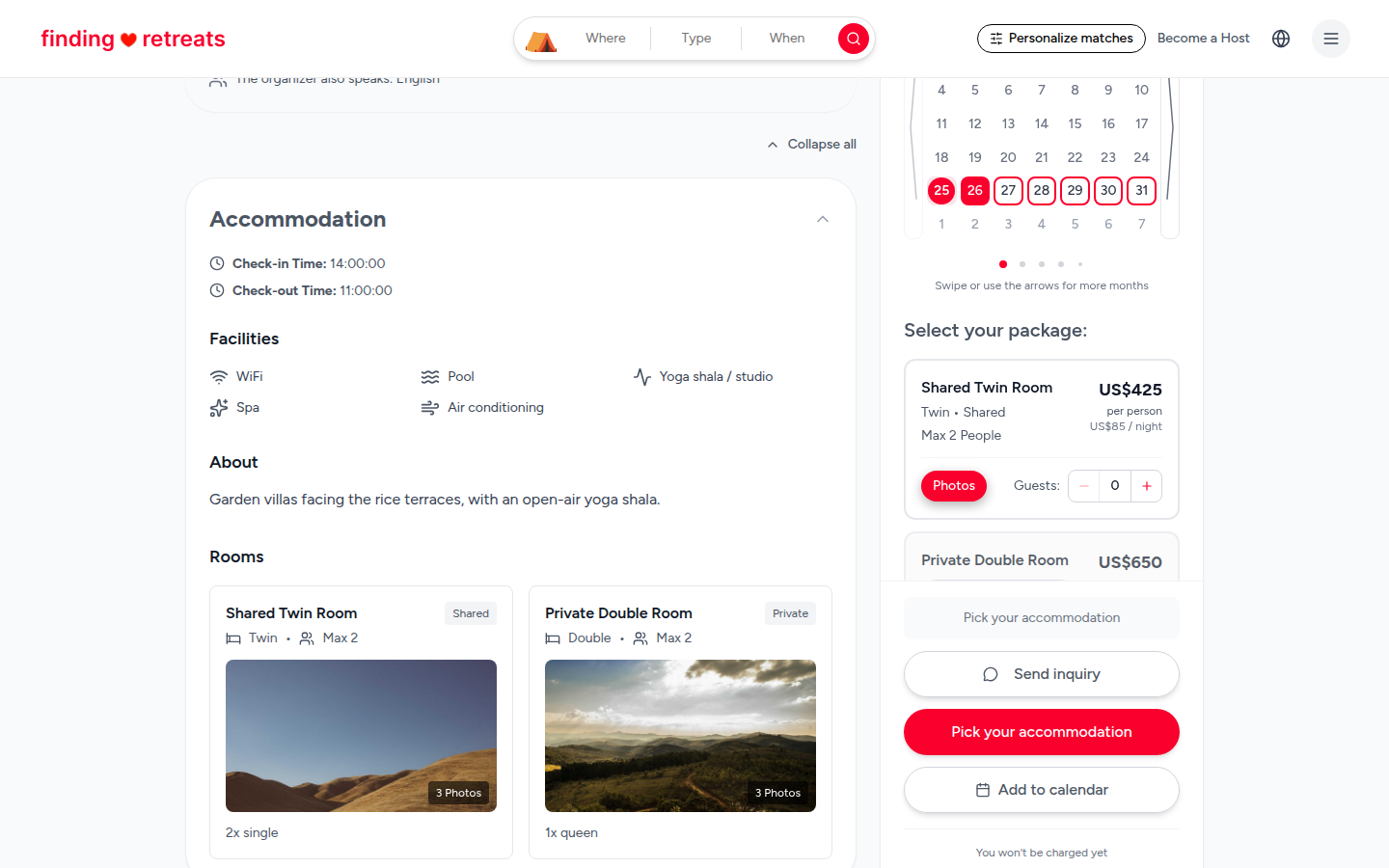
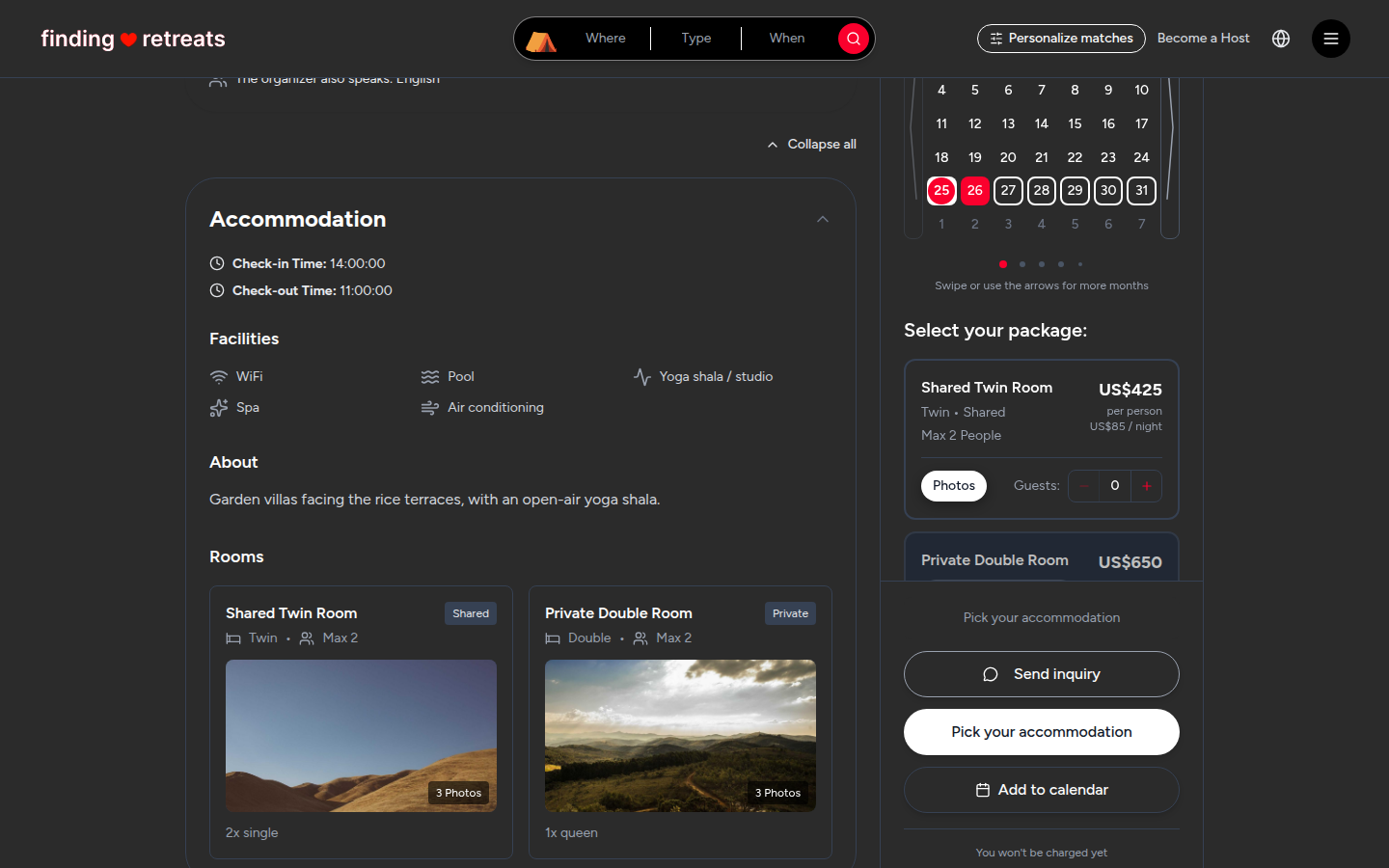
Accommodation: check-in and check-out times, the facilities (such as WiFi, Pool or Spa), a description of the place, and each room type with its bed type and how many people it sleeps.
Retreat location: the town and a map.
Food & Beverages: what the food is like and which meals are included.
What's included and What's not included: green ticks for what the price covers, red crosses for what you pay for yourself (often flights, travel insurance and airport transfers).
How to get there: travel tips from the host.
Requirements & Policies: the group size and the cancellation policy, including the deposit, how much you get back if you cancel, and other options such as transferring your place to someone else.
Reviews: the overall star rating and what past guests wrote. See How do I read the reviews on a retreat?
The booking box
On a computer, the booking box is on the right of the page, under the Reviews summary. On a tablet, scroll to the bottom of the page: it's after the reviews. At the top it shows the length (for example "6 days / 5 nights") and the starting price per person. Under that: Send inquiry (to ask the host a question), the big red button that books, Add to calendar, a row of dates and the rooms to choose from.
On a phone, scroll down a little and a bar appears at the bottom of the screen with Check availability. Tap it to choose your dates and room.
Meet your host: on a computer or tablet, the host's card is just under the booking box. Click See full profile to see everything else they run. See How do I see everything a host offers?
To book, see How do I book a retreat?
Common questions
Why does the price say "From"?
It's the lowest price per person, usually for a shared room. The price for your room and dates shows when you choose them in the booking box.
The red button says "Pick a date to attend" or "Pick your accommodation". Why can't I book?
The button tells you the next thing to do. Pick a date in the row of dates, then add a guest to a room with the + button. When everything is chosen it changes to Pay … deposit or Request to book. See What's the difference between booking now and requesting to book?
I can't see the booking button. Is the retreat full?
If every date is taken, the button changes to Join the waitlist. Press it, enter your email and press Join the waitlist again. We'll email you the moment a place opens up.
Still stuck? Message us. On a computer or tablet, click the round menu button with three lines at the top right of the page and choose Messages. On a phone, tap Messages in the bar at the bottom of the screen. Change All to Support above your conversations, then press Contact Support.
Related: How do I book a retreat? · What do the photos, program and inclusions tell me? · How do I message a host?