


For guests. Page: the retreat you want to book. Open it by clicking a retreat card on the home page or in your search results.
Each room on a retreat is set up by the host in one of two ways:
Book now: you pay the deposit and your place is confirmed straight away.
Request to book: you send a request, and the host has 48 hours to say yes. Nothing is charged until they do and you complete the booking.
How to tell which one you have
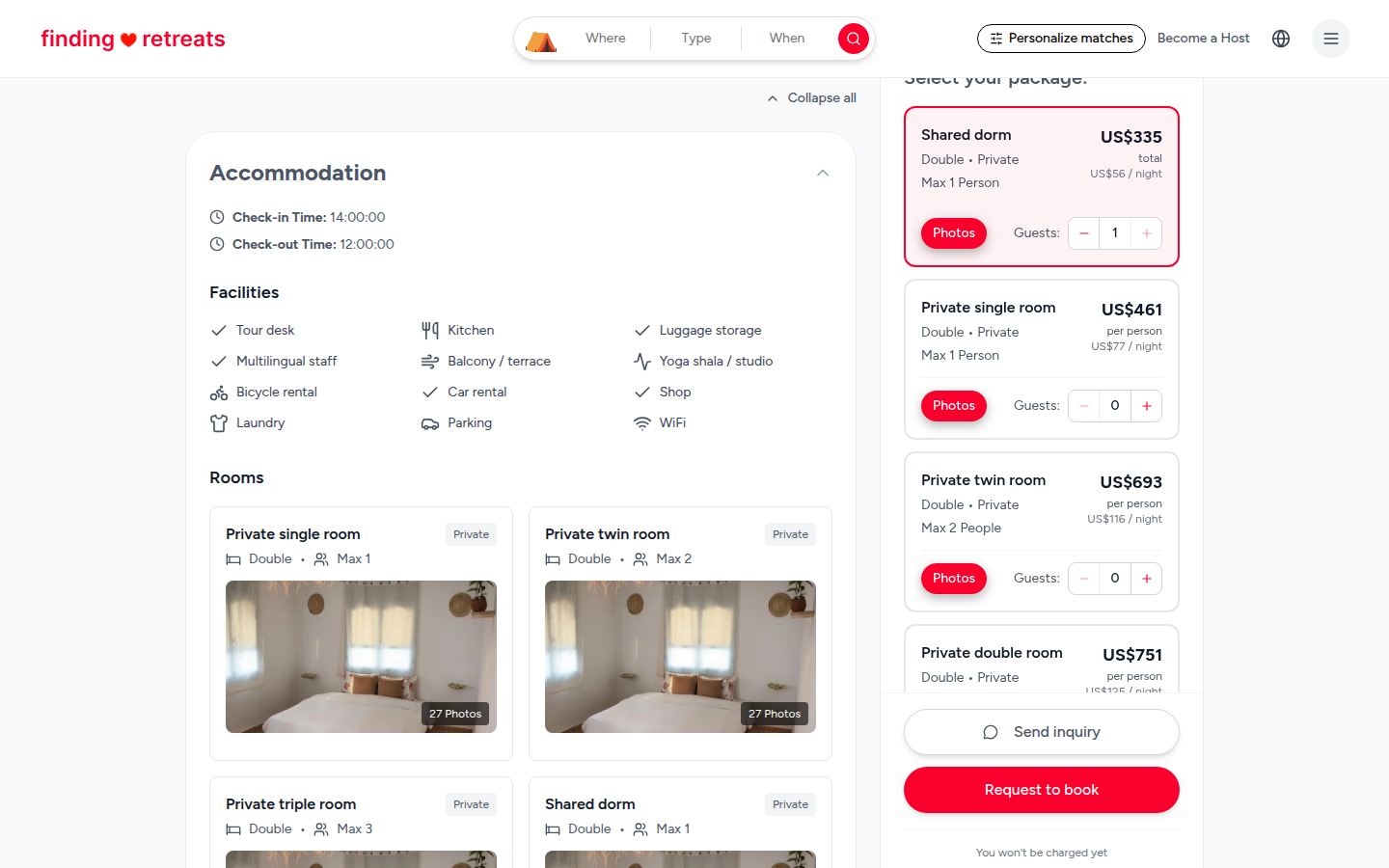
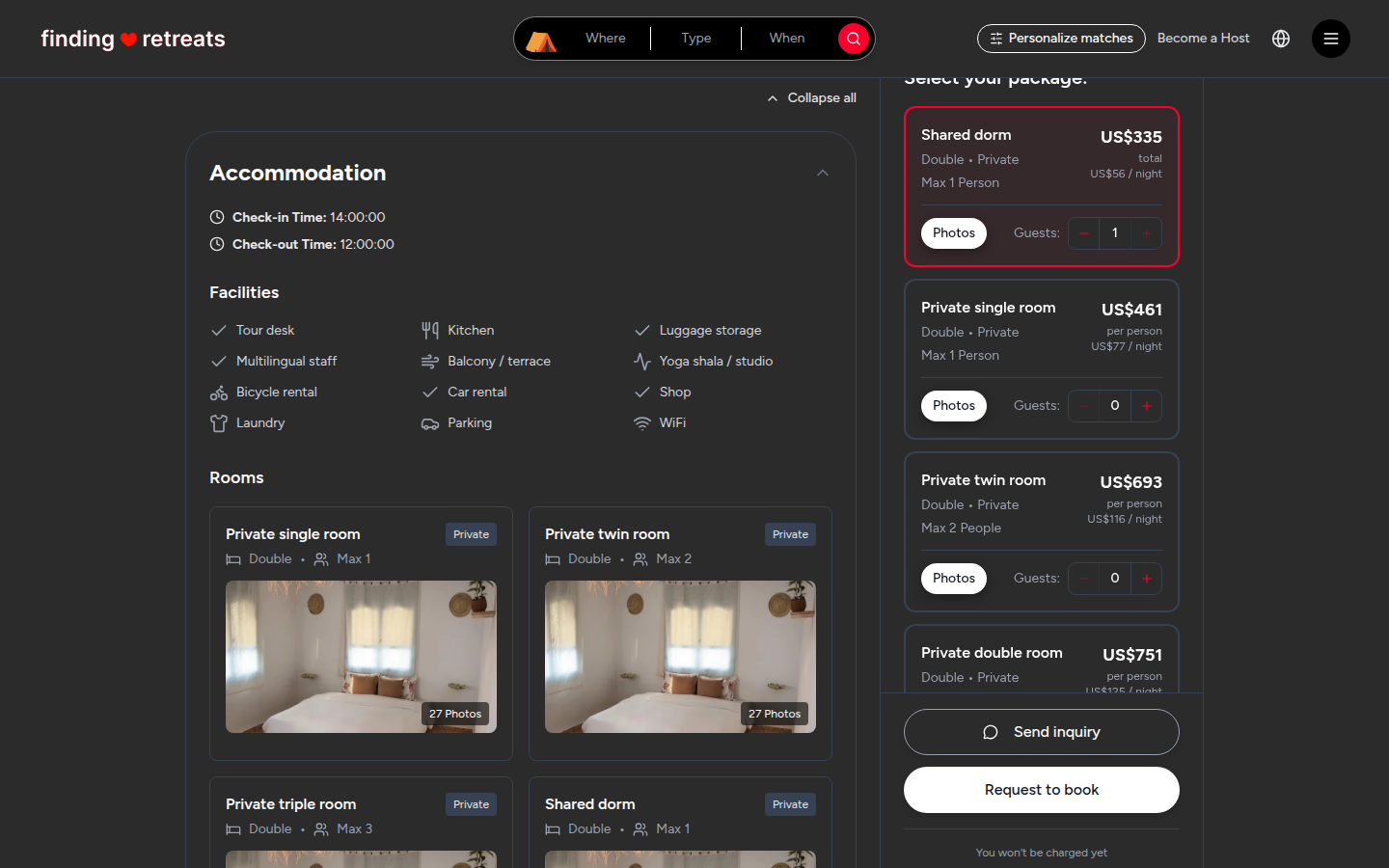
On the retreat page, pick your date and add guests to a room (see How do I book a retreat?).
Look at the big red button in the booking box (on a phone, at the bottom of the Booking summary).
If it says Pay 30% deposit (US$…) or Confirm & Pay, the room can be booked now. The percentage depends on the retreat.
If it says Request to book, the host needs to say yes first.
A retreat can have both kinds of room, so the button may change when you choose a different room.
Send a request
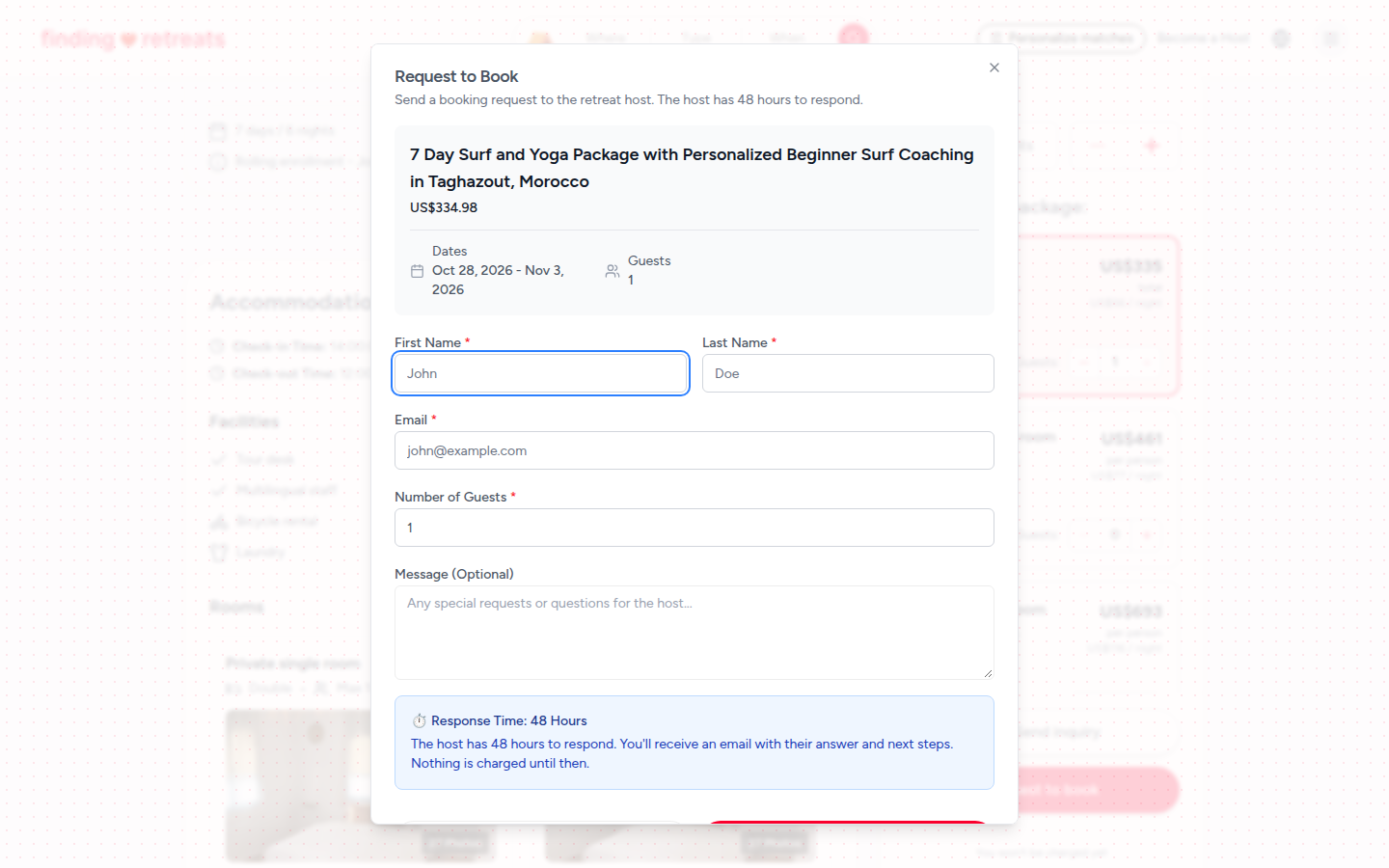
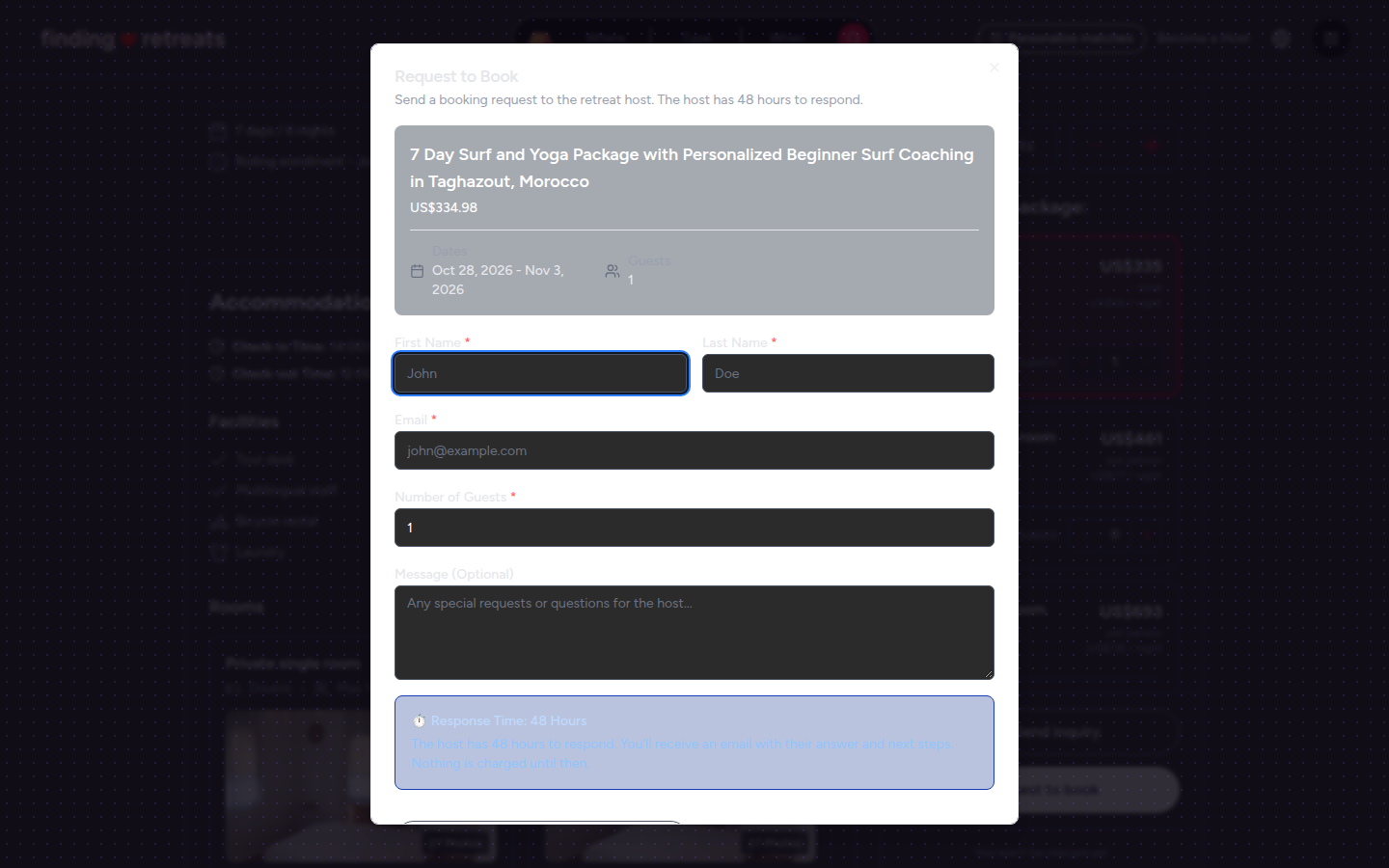
Press Request to book. A Request to Book window opens, showing the retreat, your dates and your number of guests.
Fill in First Name, Last Name and Email, and check Number of Guests.
In Message (Optional), tell the host anything useful, for example your experience level, dietary needs or questions.
Press Send Booking Request at the bottom of the window. A message confirms it's sent. No money is taken.
What happens next
The host has 48 hours to reply, and we email you their answer:
Approved: the email "Your Booking Request for … Has Been Approved!" has a link to complete your booking. Open it and pay the deposit within 48 hours to keep your place.
Other rooms offered: if your room isn't free, the host may suggest others. The email "Alternative Accommodation Options for …" lets you pick one. Choose within 48 hours.
Declined: you'll get an email "Update on your request for …". Nothing is charged. Try other dates, or another retreat.
No reply in 48 hours: the request expires and you'll get an email "Your request for … has expired". Nothing is charged.
Common questions
Is my card held while I wait?
No. We don't take or hold any money for a request.
Can I speed things up?
Ask the host your questions first with Send inquiry in the booking box (on a computer or tablet). A short chat often helps them say yes quickly. See How do I message a host?
Where can I see my request?
Requests aren't shown on your Bookings page yet. Watch your email for the host's answer. Once you complete the booking, it appears under Bookings like any other. See How do I find my booking confirmation?
Still stuck? Message us. On a computer or tablet, click the round menu button with three lines at the top right of the page and choose Messages. On a phone, tap Messages in the bar at the bottom of the screen. Change All to Support above your conversations, then press Contact Support.
Related: How do I book a retreat? · How do I message a host? · How do deposits and the balance work?