


For guests. Page: the retreat you want to book. Open it by clicking a retreat card on the home page or in your search results.
Booking takes a few minutes. You pay a deposit now and the rest later. Some rooms are booked straight away; others need the host to say yes first. The button tells you which (see What's the difference between booking now and requesting to book?).
On a computer or tablet
Open the retreat. On a computer, the booking box is on the right of the page, under the Reviews summary. On a tablet, scroll to the bottom of the page: it's after the reviews. It shows the length (for example "6 days / 5 nights") and the starting price.
Pick your date. Under the buttons in the booking box is a row of dates. Click the day you want to start. Use the arrows at each end of the row for other months. The days of your stay are outlined in red.
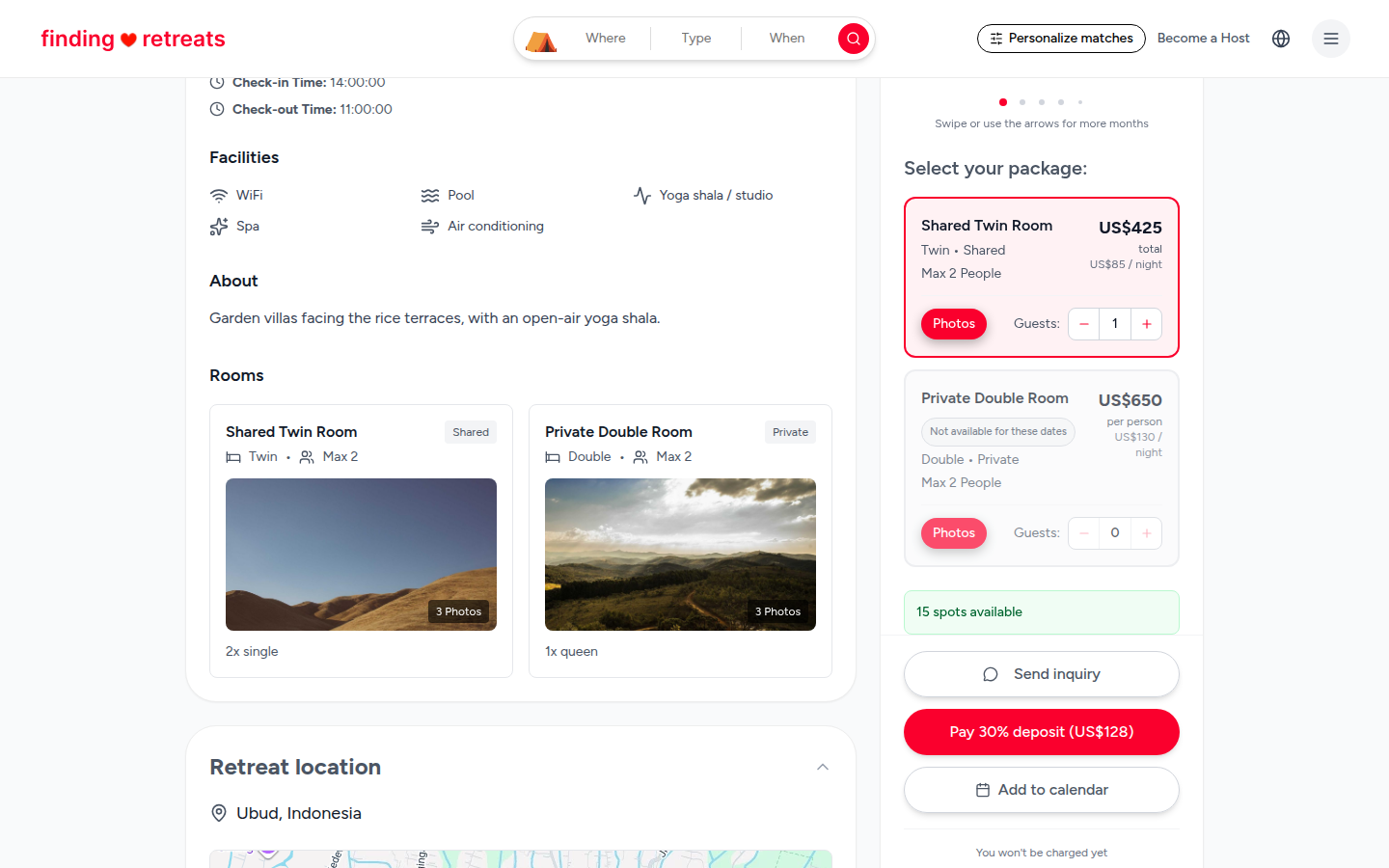
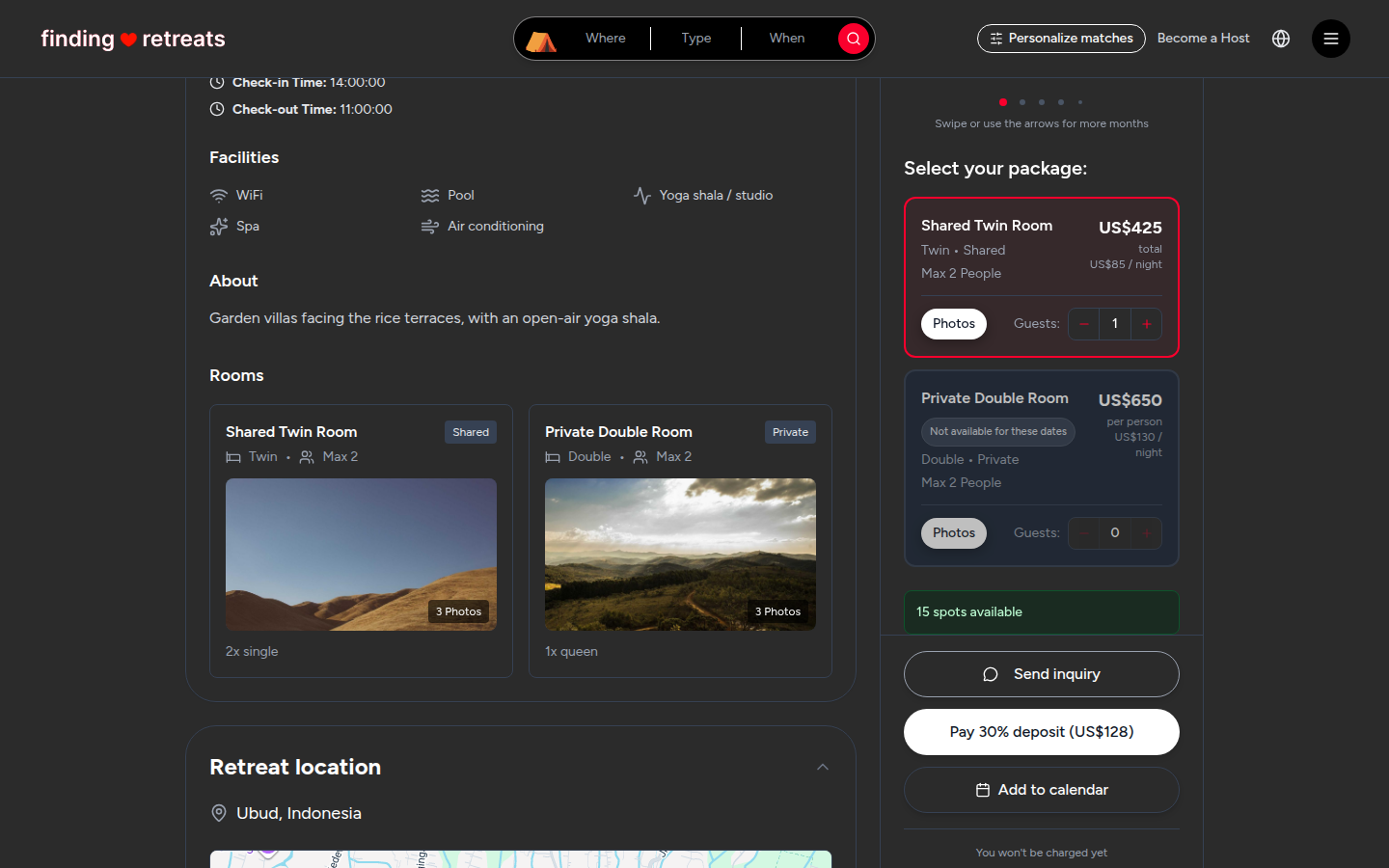
Choose your room. Under "Select your package:" is a card for each room type, with its price per person. Rooms that are full on your dates say "Not available for these dates".
Add your guests. On the room you want, press + next to "Guests:" once for each person who'll stay in that room, including yourself. Press − to take one away. Some rooms need a minimum number of guests; the room will tell you. Booking for a group? See How do I book for friends or family?
Check the big red button. Its words tell you what's missing: "Pick a date to attend", "Pick your accommodation" or "Add a guest to continue". When everything is chosen it says Pay 30% deposit (US$…) (the percentage depends on the retreat) or Request to book.
Press the red button.
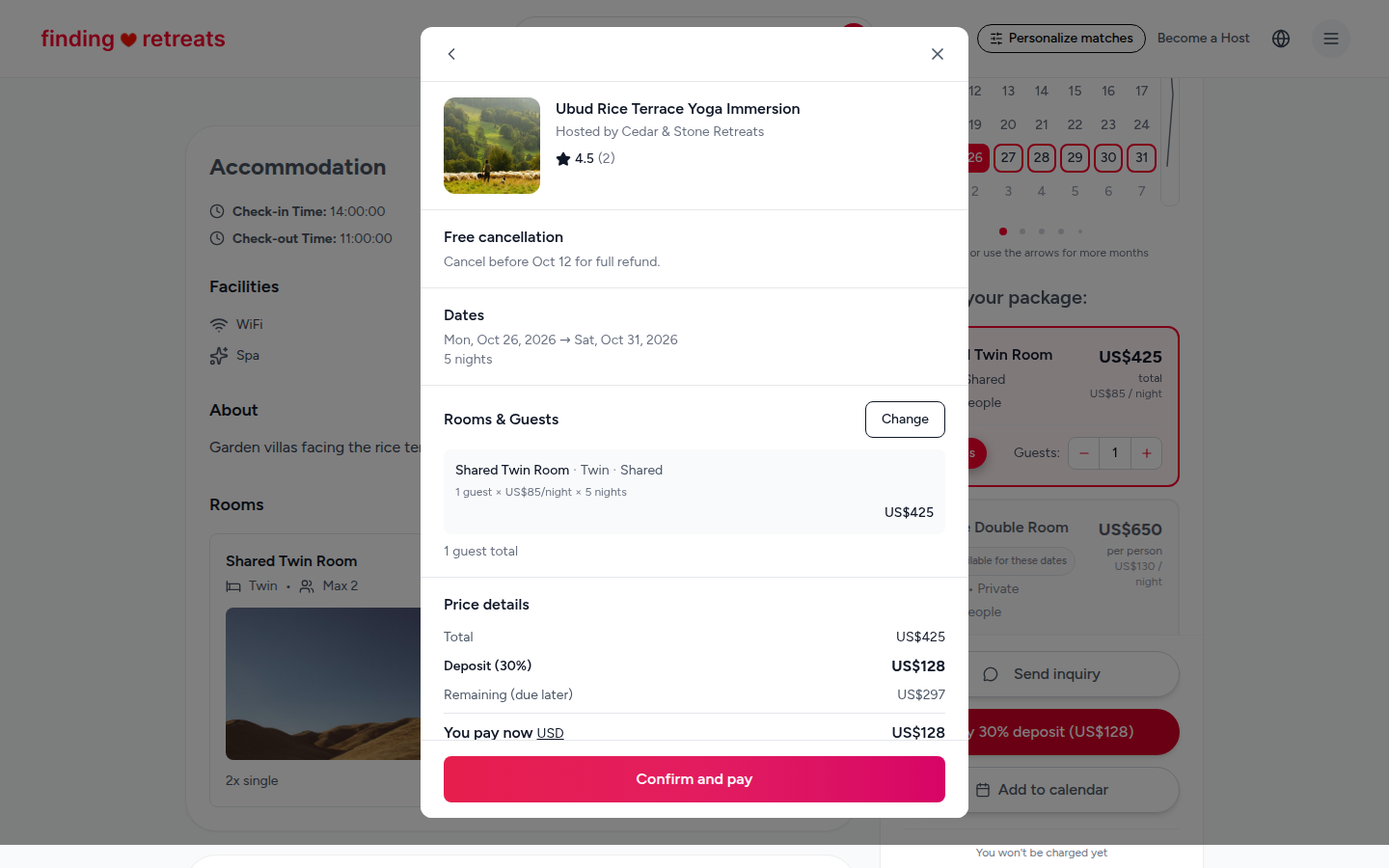
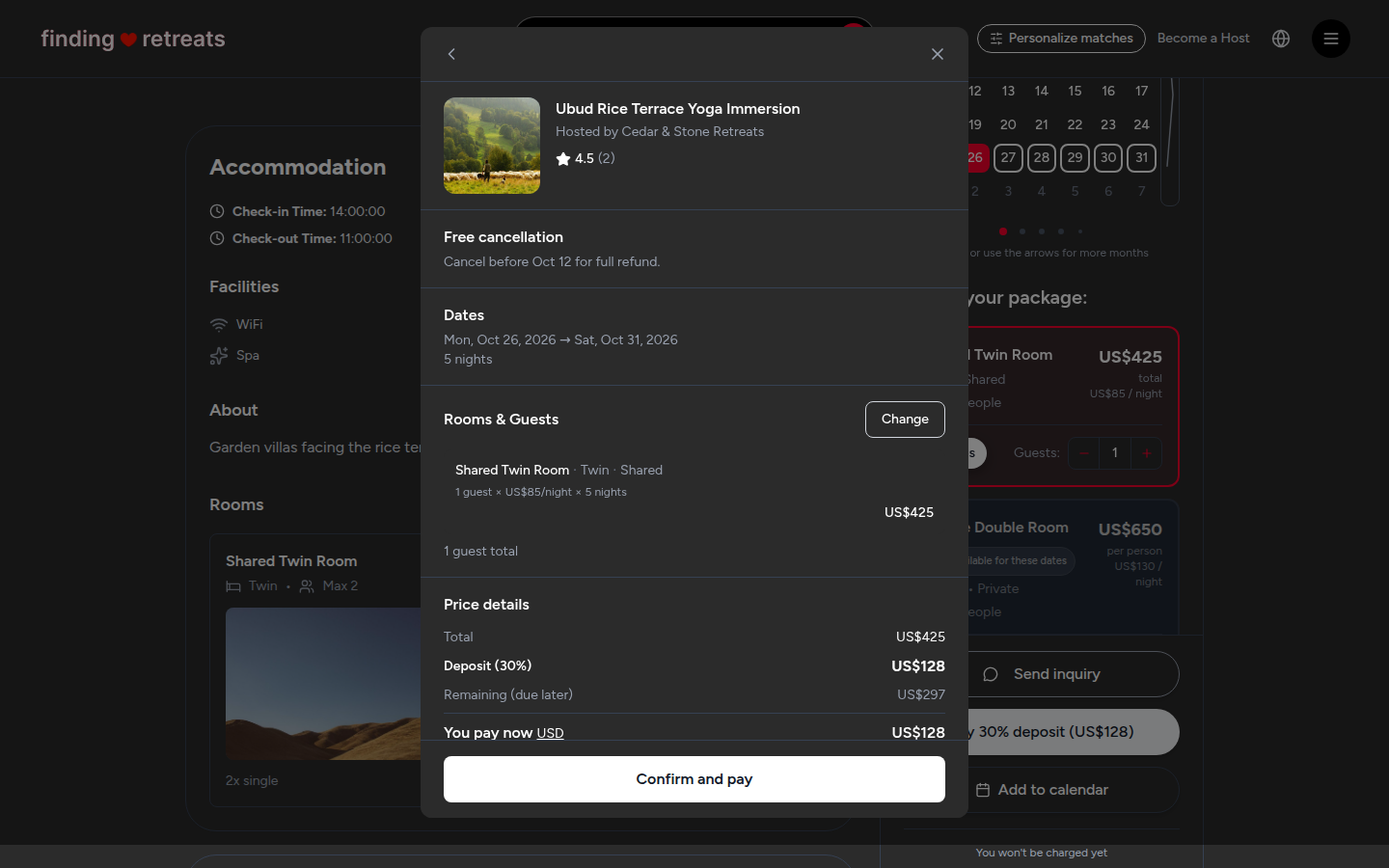
If it said Pay … deposit, a summary window opens. Check your dates, rooms, guests and the price details: the total, the deposit you pay now, and the remaining balance and when it's due. Press Change next to "Rooms & Guests" to go back. When it's right, press Confirm and pay.
If it said Request to book, a Request to Book window opens. Go to How do I request to book?
Your details. If you're not logged in, a window asks for your first name, last name and email, or you can press Continue with Google.
Pay. A secure payment page opens. Enter your card details and pay. Your card is charged the deposit only.
Done. The Booking Confirmed page opens, and we email you a receipt. Press Add to Calendar to save the dates, or Print for a paper copy.
On a phone
Open the retreat and scroll down a little. A bar appears at the bottom of the screen. Tap the red Check availability button on it.
A Select your dates panel slides up. Tap the day you want to start, then tap Next at the bottom.
The Select your package panel shows the rooms. Tap + next to "Guests:" on the room you want, once per person, then tap Next.
The Booking summary shows your dates, rooms, guests and the payment details. Tap Edit to change anything.
Tap Confirm & Pay (or Request to book for rooms that need the host's yes), then follow steps 7 to 9 above.
After you book
Find your booking any time: on a computer or tablet, click the round menu button with three lines at the top right and choose Bookings under "Your trips". On a phone, tap Bookings in the bar at the bottom of the screen. See How do I find my booking confirmation?
The rest of the price (the balance) is paid to your host, not through Finding Retreats. Your summary shows how much it is and when it's due. See How do deposits and the balance work?
Questions for the host? Press Message on your booking. See How do I message a host?
Common questions
When am I charged?
For rooms you book straight away, the deposit is charged when you pay. For a request, nothing is charged until the host says yes and you complete the booking.
What if I change my mind?
The retreat's cancellation policy is under Requirements & Policies on the retreat page, and in the summary before you pay. See How do I cancel a booking?
Still stuck? Message us. On a computer or tablet, click the round menu button with three lines at the top right of the page and choose Messages. On a phone, tap Messages in the bar at the bottom of the screen. Change All to Support above your conversations, then press Contact Support.
Related: What's the difference between booking now and requesting to book? · How do I book for friends or family? · How do I pay for my booking?