


For guests. Page: any retreat page. Open one by clicking a retreat card on the home page or in your search results.
Four parts of a retreat page tell you the most about what your stay will really be like: the photos, the rooms, the program and the two "included" lists. Here's where to find each one and what to look for.
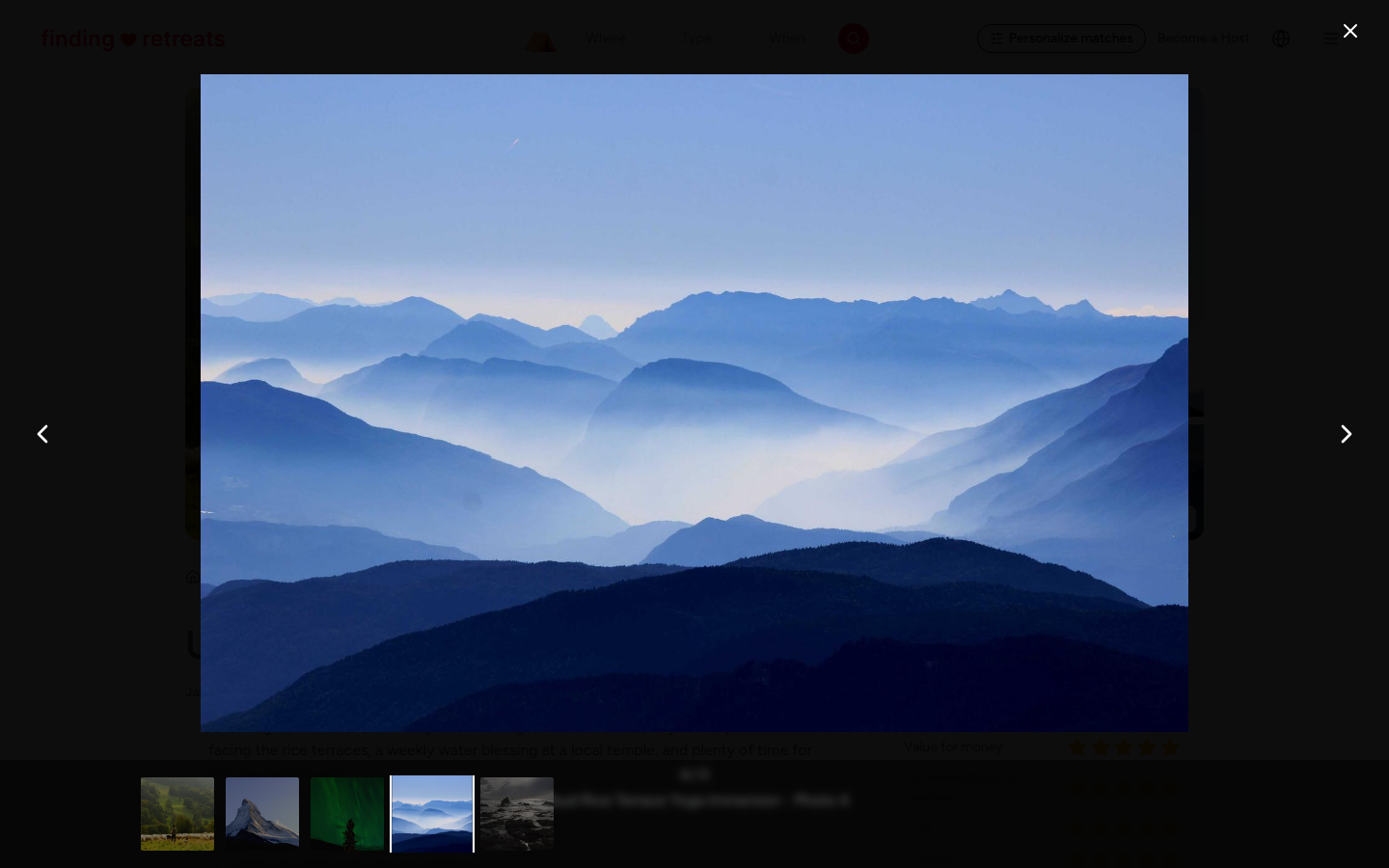
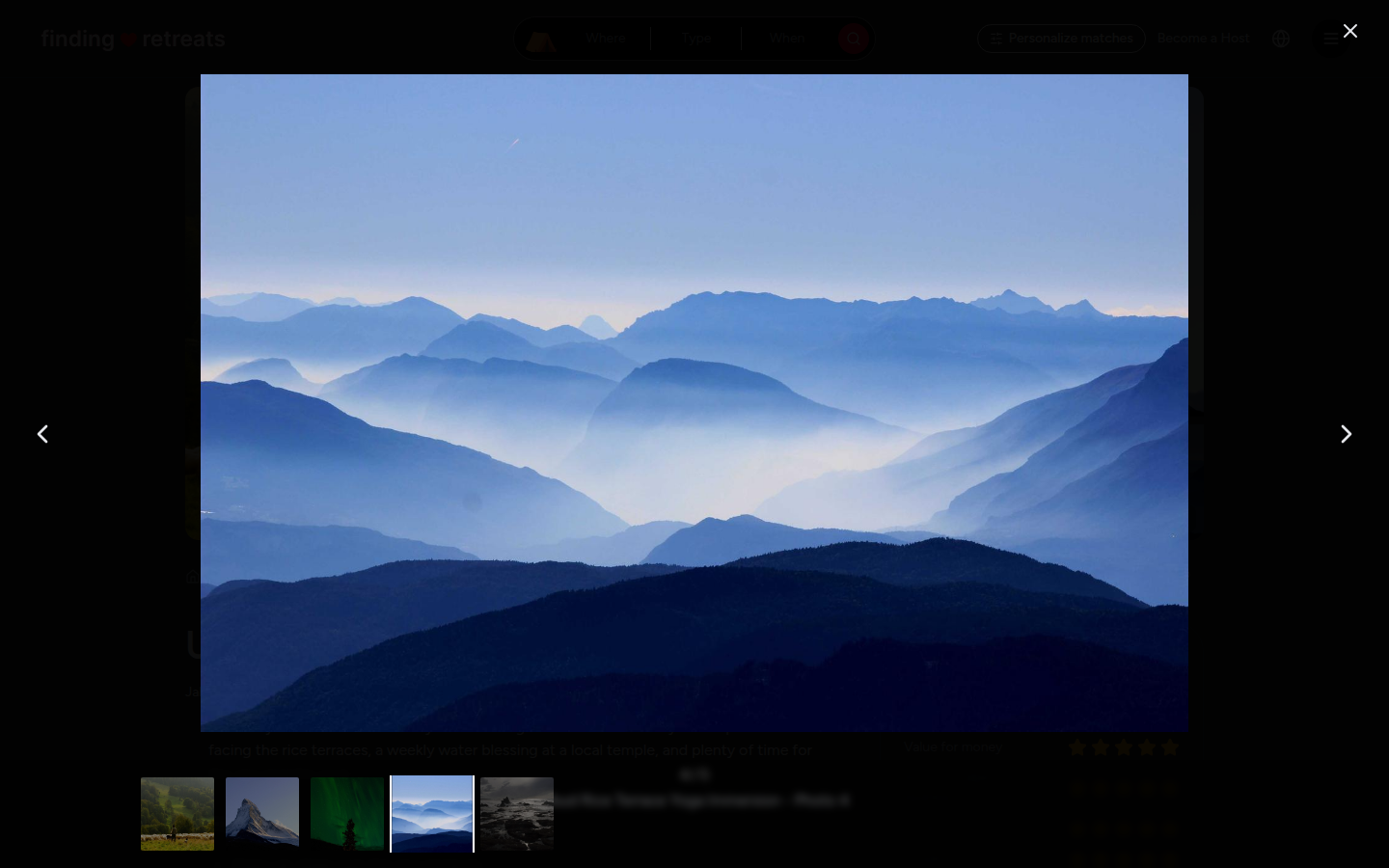
Look through all the photos
On a computer or tablet, click Show all photos, the white button at the bottom right of the photos at the top of the page. On a phone, swipe the big photo at the top left or right.
The photos open full size. Use the arrows (or swipe) to move between them. Close them with the X at the top.
Look for the room you'd sleep in, the practice space, the food and the surroundings.
Check the rooms
Scroll down to the Accommodation box. Under Rooms you'll see each room type, its bed type (for example "2x single" or "1x queen"), whether it's Shared or Private, and how many people it sleeps.
To look through all the photos of a room, press the red Photos button on that room in the booking box. On a computer the booking box is on the right of the page; on a tablet it's at the bottom of the page. The rooms are under "Select your package:". On a phone, tap Check availability at the bottom of the screen, choose a date and press Next to see the rooms.
Room prices are shown when you choose a room: each room shows its price per person, with the price per night under it.
Read the program
If the host has added a program, you'll find a Program box with a sample daily schedule: when the classes, meals and free time usually happen. Not every retreat has one. If it's missing, or you want to know more, ask the host with Send inquiry in the booking box on a computer or tablet. See How do I message a host?
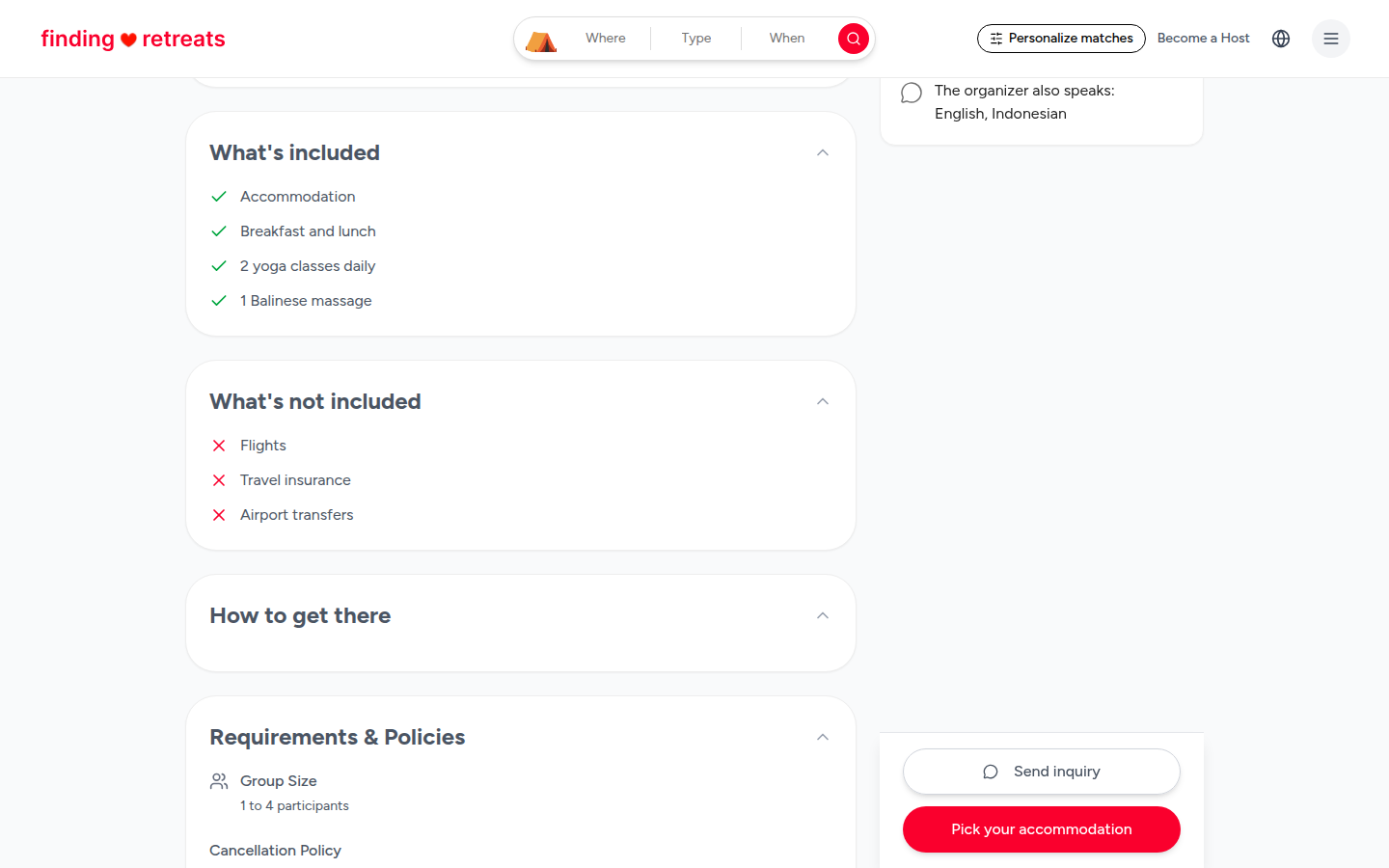
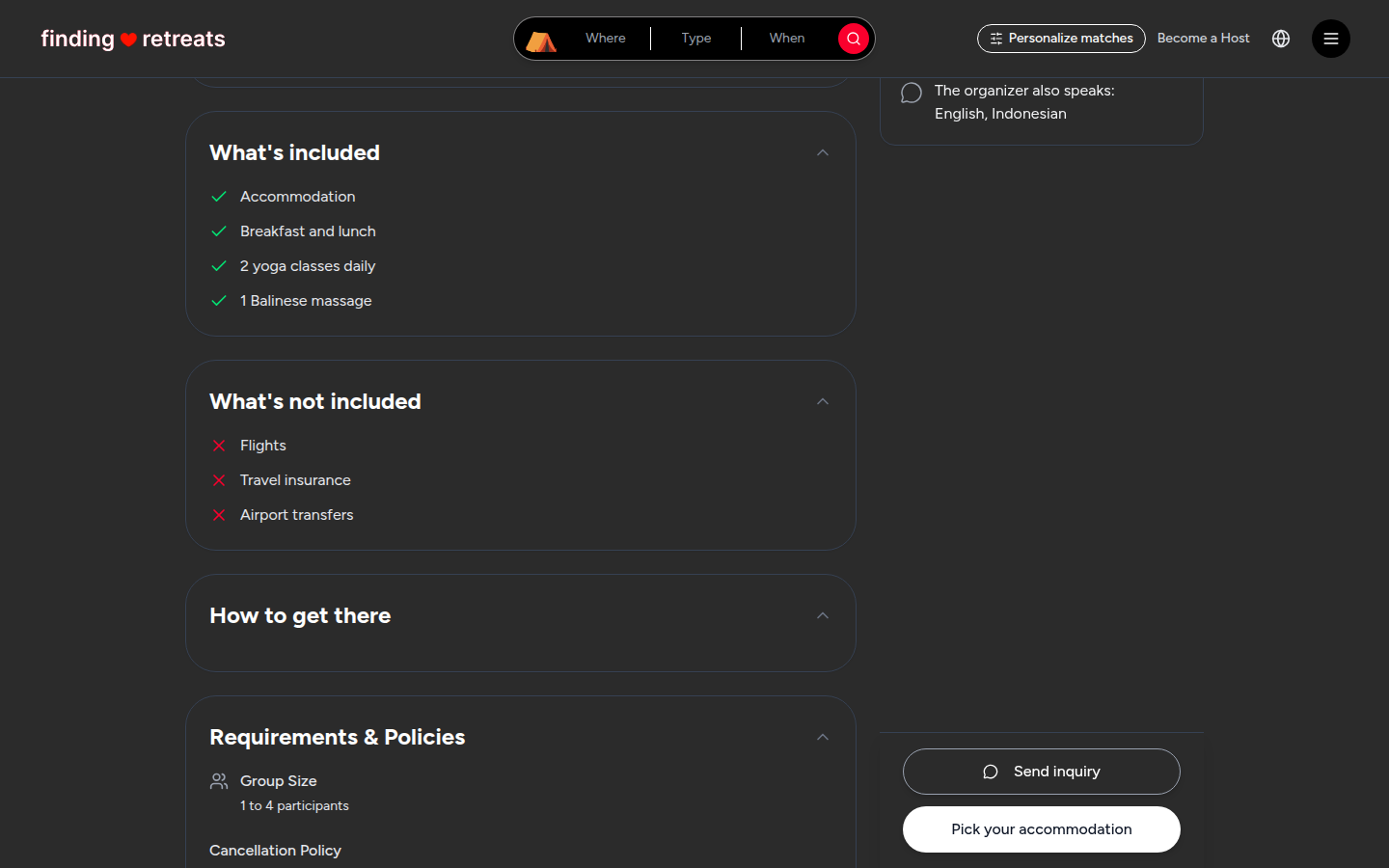
Check what's included and what isn't
Scroll to What's included. Everything with a green tick is covered by the price, for example your room, meals and daily classes.
Just below it, What's not included lists things with a red cross that you pay for yourself, often flights, travel insurance and airport transfers.
Check Food & Beverages too. Meals Included shows which meals (Breakfast, Lunch, Dinner) are part of the price.
Read Requirements & Policies for the group size and the cancellation policy before you pay.
Good to know
If a photo, room or list isn't clear, ask the host before you book. Their answers arrive in your Messages.
Past guests often mention the rooms and food in their reviews. See How do I read the reviews on a retreat?
Anything that isn't in What's included may cost extra when you get there.
Still stuck? Message us. On a computer or tablet, click the round menu button with three lines at the top right of the page and choose Messages. On a phone, tap Messages in the bar at the bottom of the screen. Change All to Support above your conversations, then press Contact Support.
Related: What's on a retreat page? · How do I message a host? · How do I book a retreat?