


For guests. You need to be logged in. Page: Bookings, in your dashboard.
There's no form for arrival details. Instead, you send your host a message from your booking. They'll see it straight away and can reply with directions, pick-up options or check-in tips.
Send your arrival details
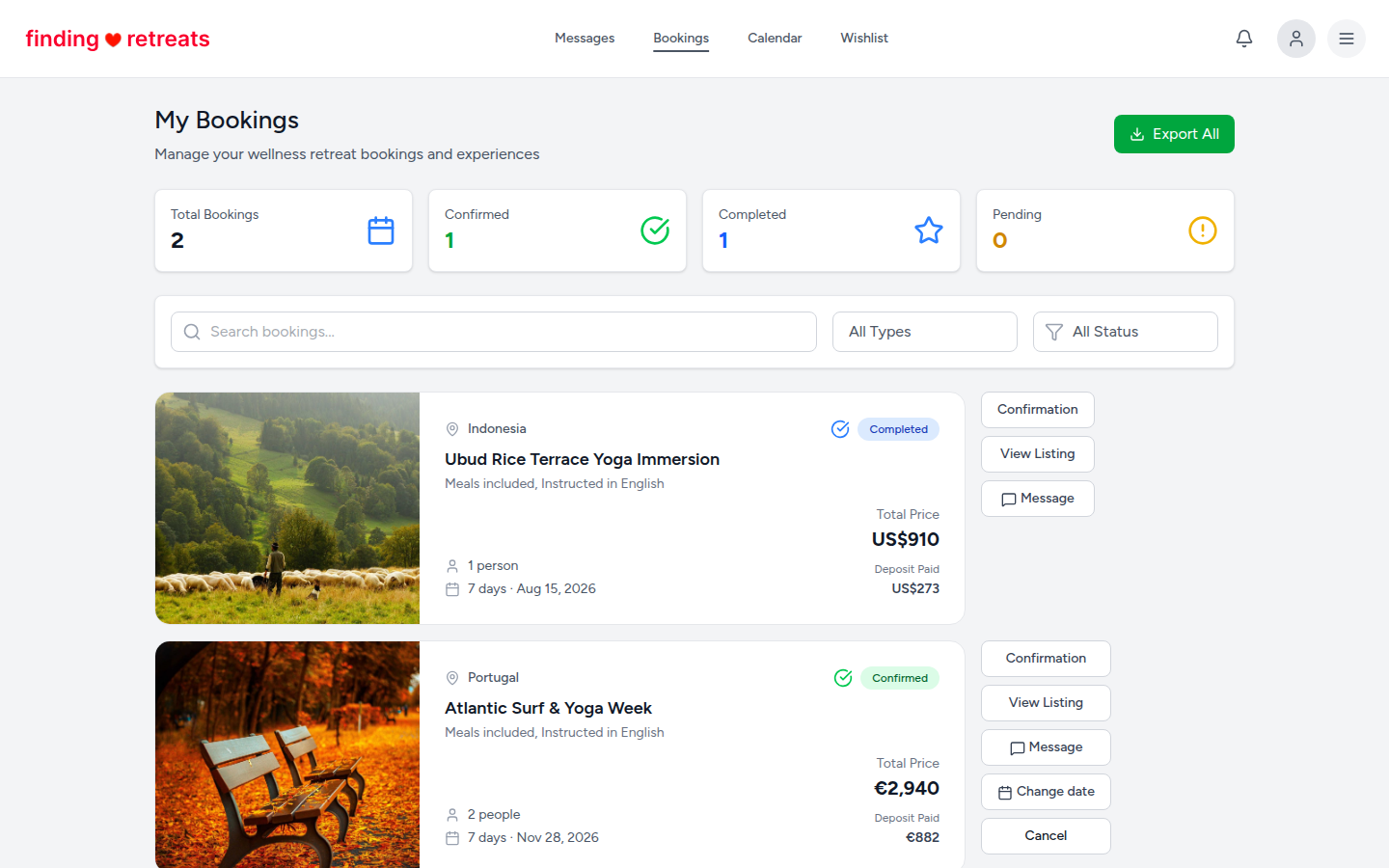
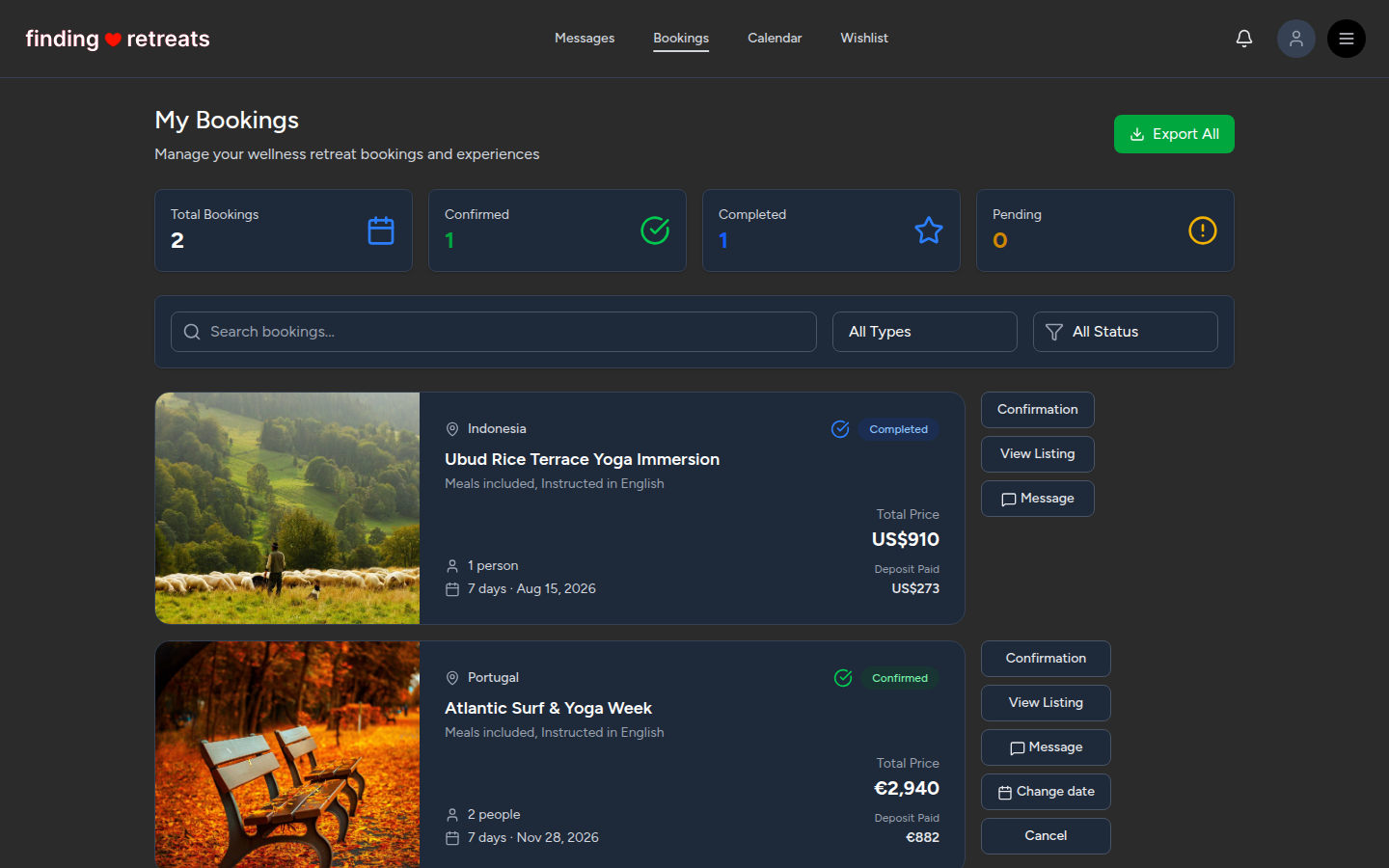
Open your bookings. On a computer or tablet, click the round menu button with three lines at the top right of the page and choose Bookings under "Your trips". On a phone, tap Bookings in the bar at the bottom of the screen.
Find the retreat in your list. Each booking is a card with the retreat's name, dates and status.
Press Message on that booking card. Your messages open with a new message to the host already started, saying which booking it's about.
Add your arrival details after it, for example: "I land at Denpasar at 14:30 on 28 November, flight QF43. Is there a transfer, or should I take a taxi?"
Press send. The host gets your message, and their reply shows in your Messages.
If your plans change
Send another message the same way, as soon as you know. If you'll arrive outside the check-in time (shown under Accommodation on the retreat page), ask the host first whether a late or early arrival is OK.
Good to know
How to get there: the How to get there section on the retreat page has the host's travel tips.
Airport transfers are only included if they're listed under What's included on the retreat page.
To move your booking to different dates, use Change date on the booking card instead. See How do I cancel a booking? for cancelling.
Still stuck? Message us. On a computer or tablet, click the round menu button with three lines at the top right of the page and choose Messages. On a phone, tap Messages in the bar at the bottom of the screen. Change All to Support above your conversations, then press Contact Support.
Related: How do I message a host? · How to prepare for your retreat · Check-in process at a retreat