


For guests. Page: the home page, findingretreats.com. Click the Finding Retreats logo at the top left of any page to get back to it.
If you know the kind of retreat you want but not the place, browse by type or by collection instead of searching. You don't need an account.
Browse by type
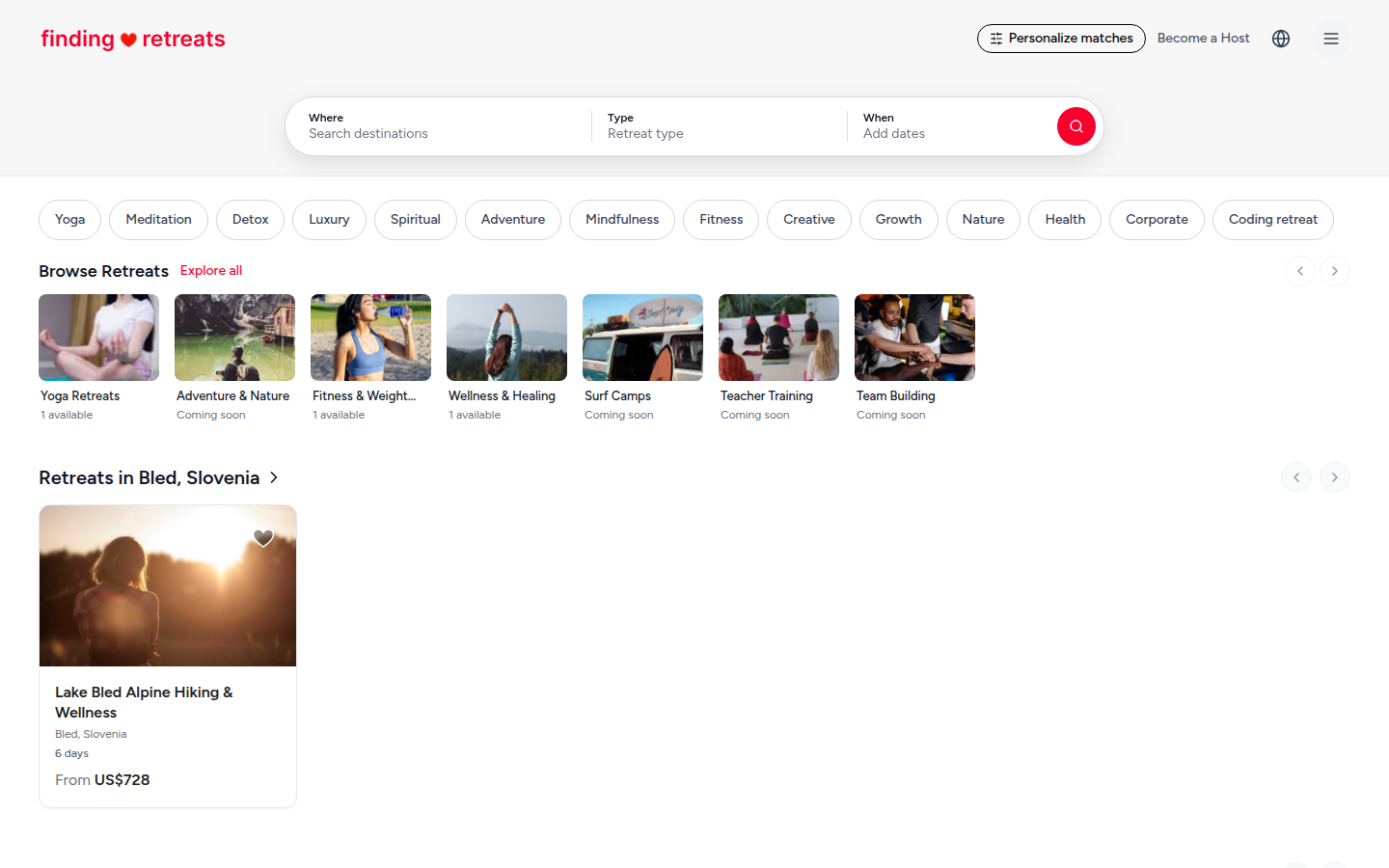
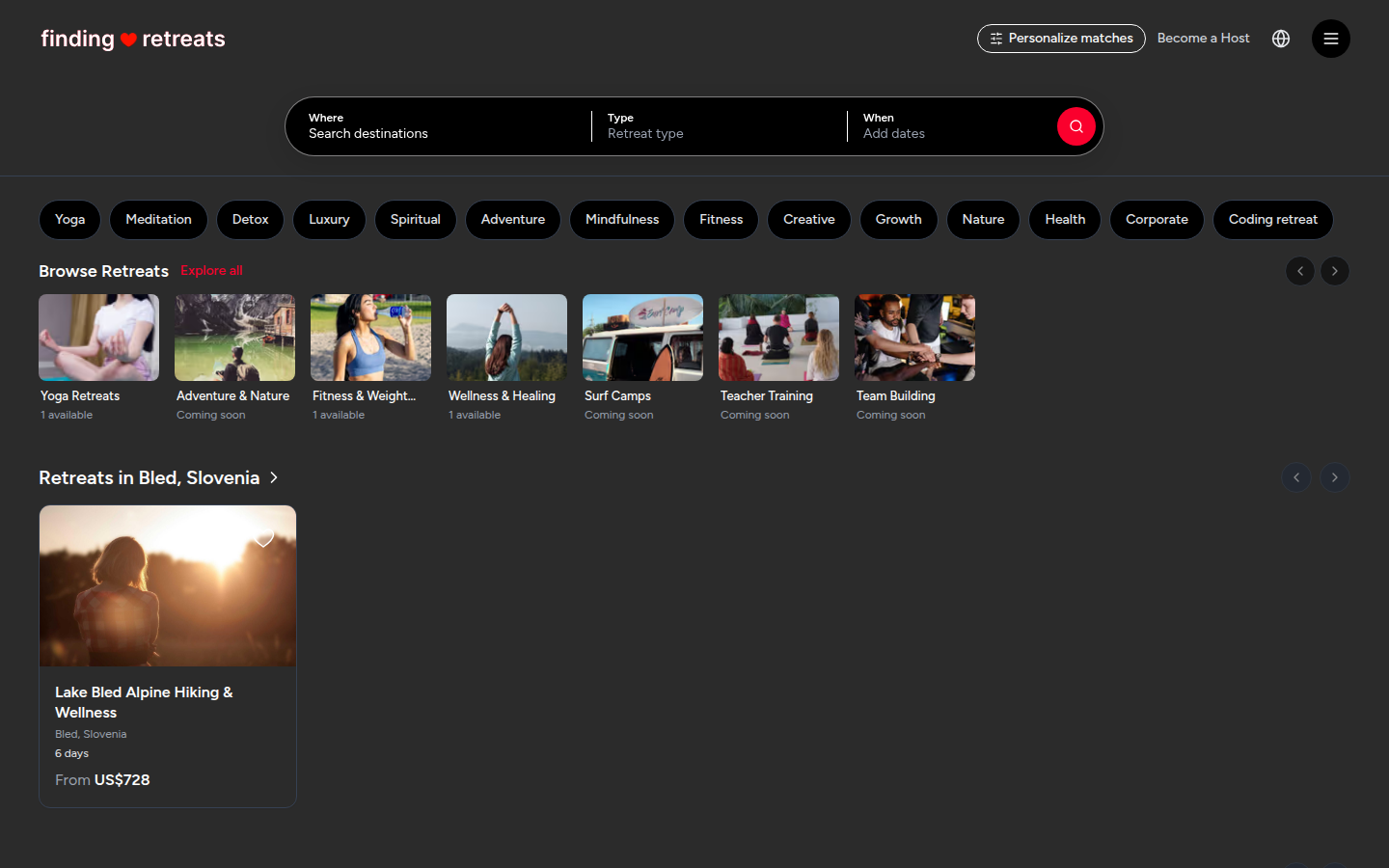
Go to the home page. Just under the search bar is a row of rounded buttons: Yoga, Meditation, Detox, Luxury and more.
To see more types, click the small arrow at the right end of the row (on a computer), or slide the row sideways with your finger (on a phone or tablet).
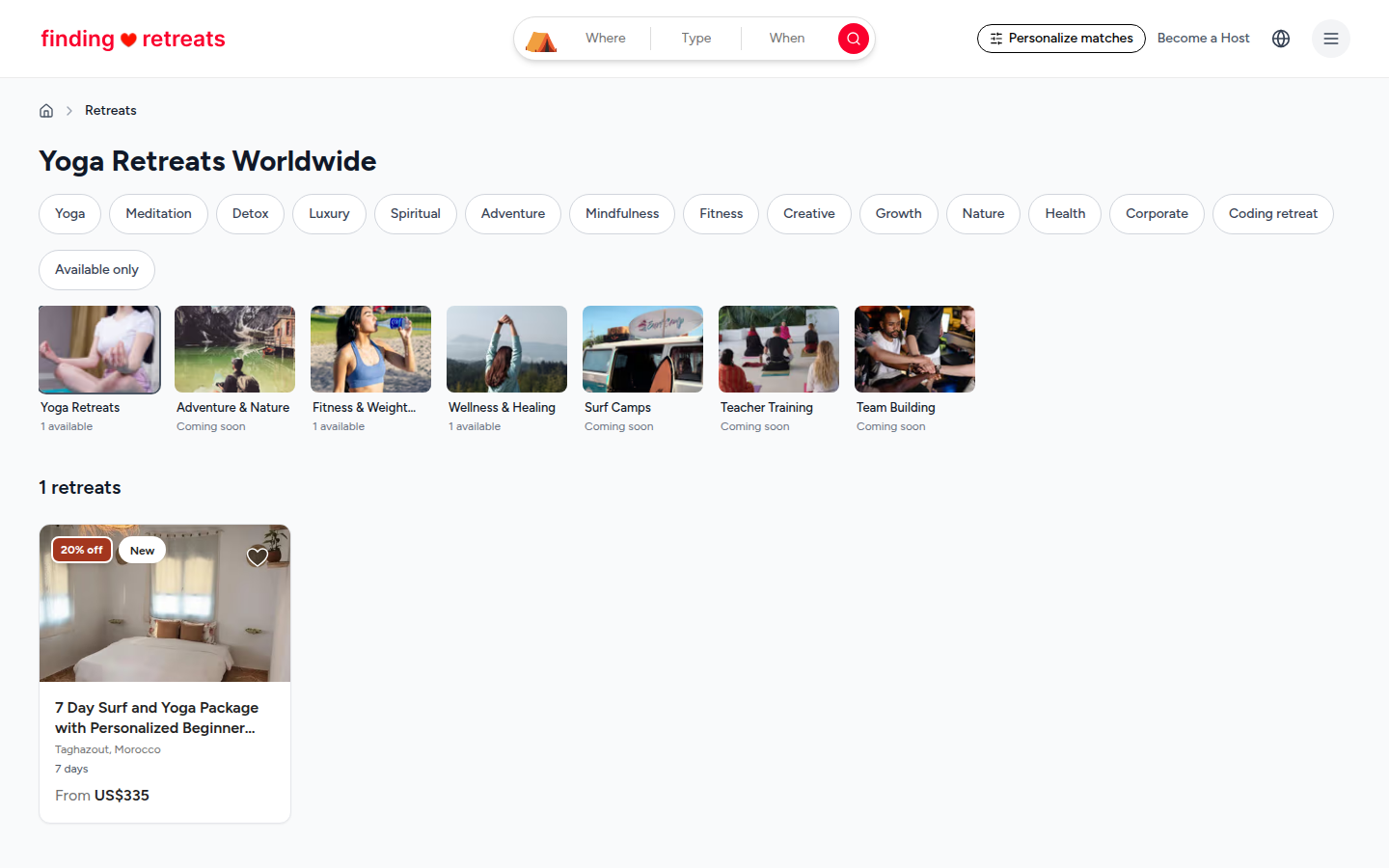
Click a type. The results page opens, showing every retreat of that type worldwide. The type's button is red to show it's on.
To add another type, click it too. To remove one, click its red button again.
Browse a collection
Collections are hand-picked groups of retreats, such as Yoga Retreats, Fitness & Weight Loss or Surf Camps.
On the home page, find the heading Browse Retreats, under the row of type buttons. The picture cards under it are the collections. Each card says how many retreats it has (for example "1 available"), or "Coming soon" if it's empty for now.
To see more collections, click the round arrows at the right end of the Browse Retreats heading (on a computer), or slide the row of cards sideways (on a phone or tablet).
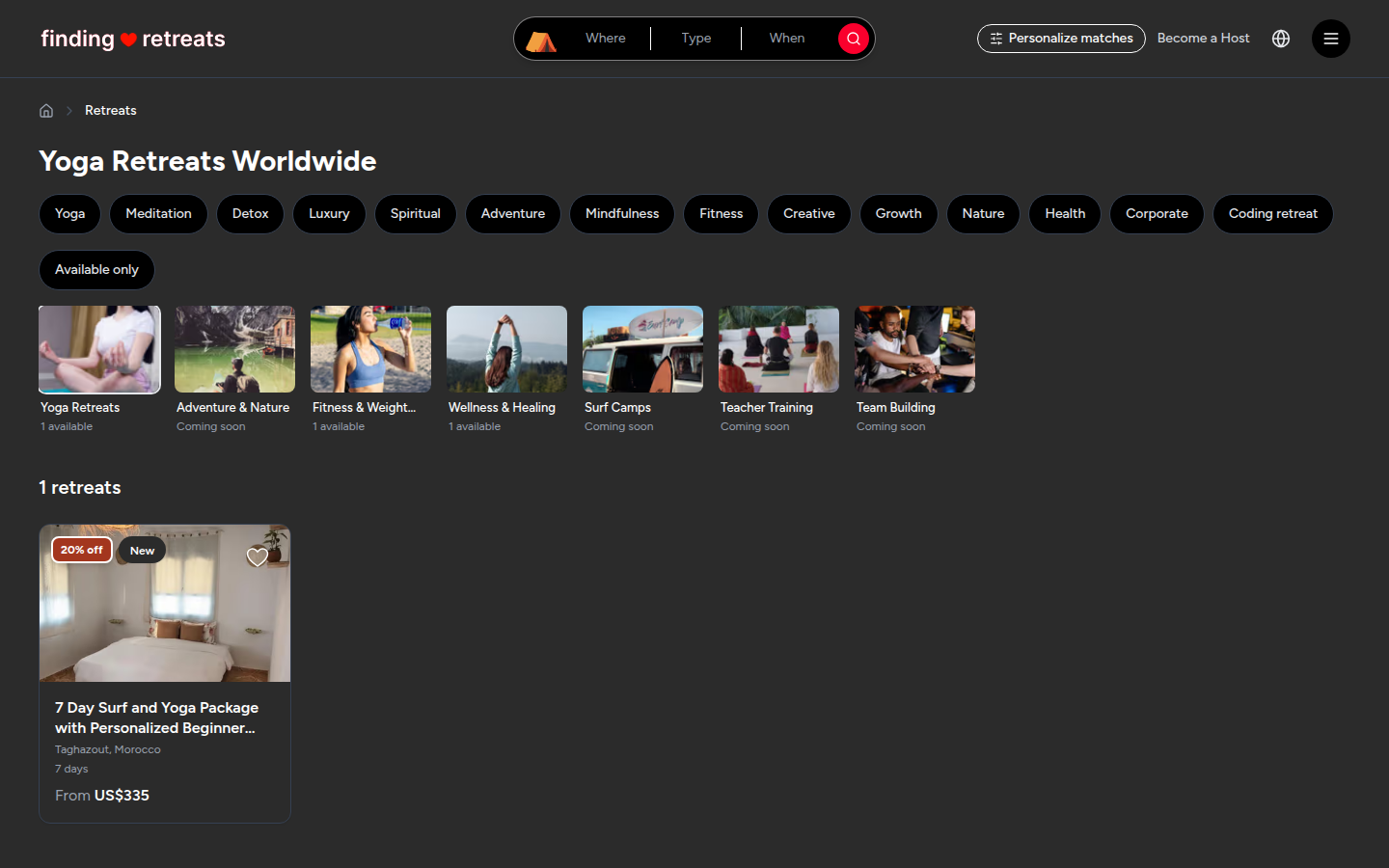
Click a collection card. The results page opens with only the retreats in that collection. Its heading shows the collection's name (for example "Yoga Retreats Worldwide") and the card you chose has a thin outline.
To see all retreats again, click the outlined card a second time, or click Explore all next to the Browse Retreats heading on the home page.
Good to know
Once you're on the results page you can narrow the list further with Available only, or add a place and dates in the search bar at the top. See How do I narrow my retreat search?
Under the collections on the home page you'll also find Recently viewed (retreats you've looked at before) and rows of retreats grouped by place, such as "Retreats in Ubud, Indonesia". Click a row's heading to see all retreats in that place.
Click any retreat card to open its page, with the photos, rooms and price. See What's on a retreat page?
Still stuck? Message us. On a computer or tablet, click the round menu button with three lines at the top right of the page and choose Messages. On a phone, tap Messages in the bar at the bottom of the screen. Change All to Support above your conversations, then press Contact Support.
Related: How do I search for retreats? · How do I narrow my retreat search? · How do I find retreats I looked at before?