


For guests. Page: any retreat page, then the host's profile. Open a retreat by clicking a retreat card on the home page or in your search results.
Every retreat is run by a host. Their profile page shows who they are, what guests say about them, and everything else they offer on Finding Retreats.
Open a host's profile
Open a retreat you like. See What's on a retreat page?
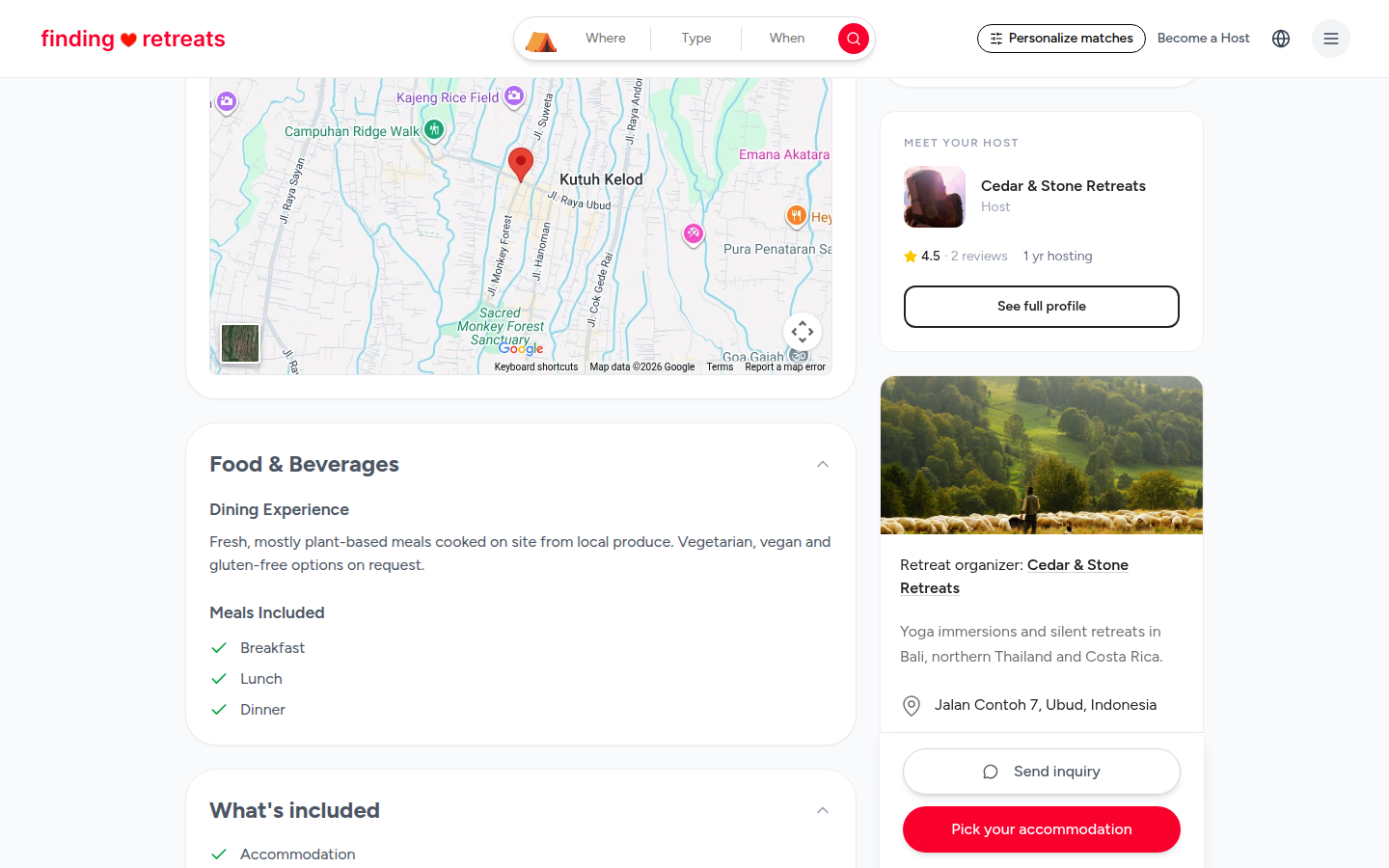
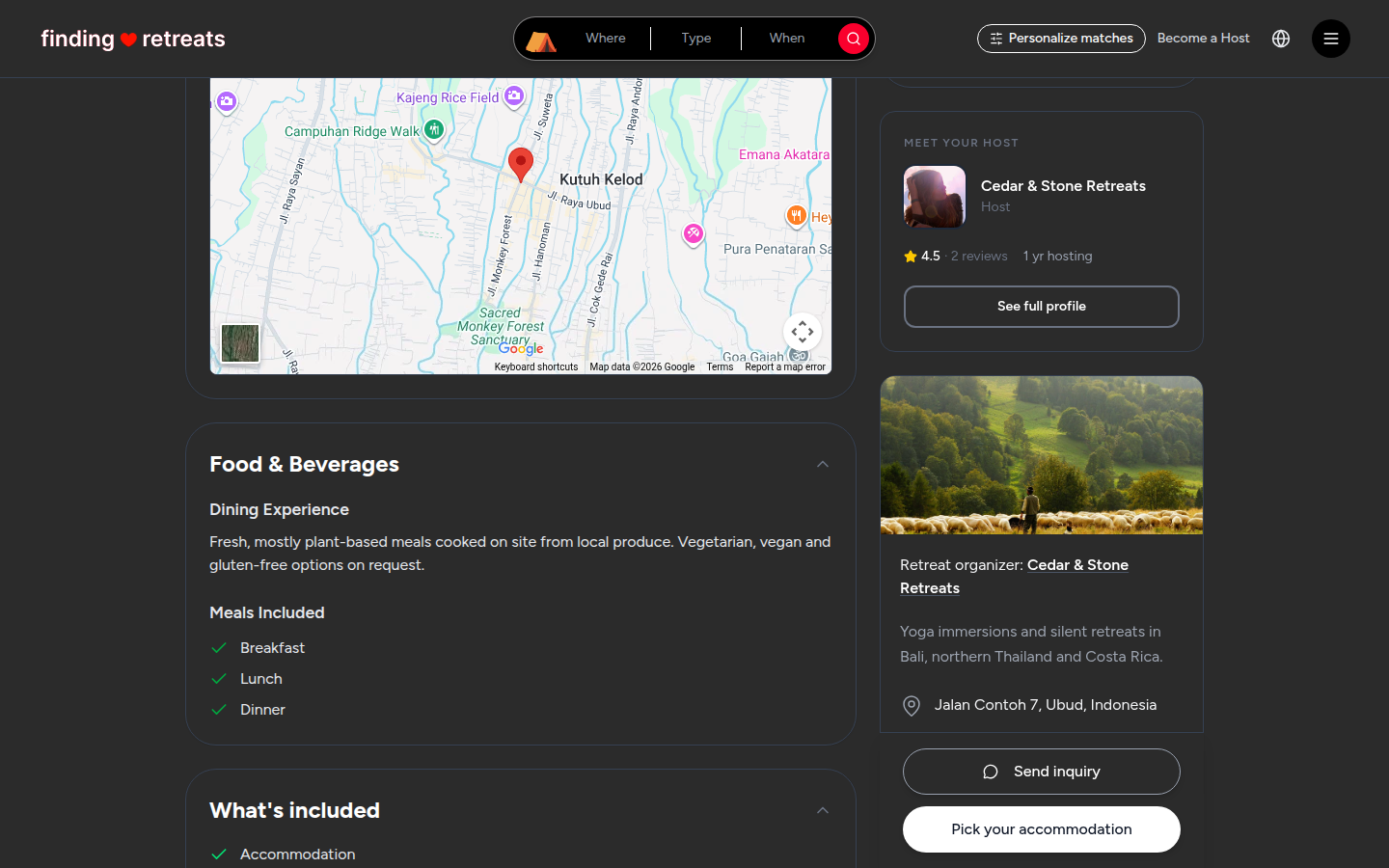
On a computer, scroll down a little and look at the right of the page. Under the booking box is a card headed Meet your host, with the host's name and photo. On a tablet, scroll to the bottom of the page; the card is just under the booking box.
Click See full profile at the bottom of that card. The host's profile page opens.
What's on a host profile
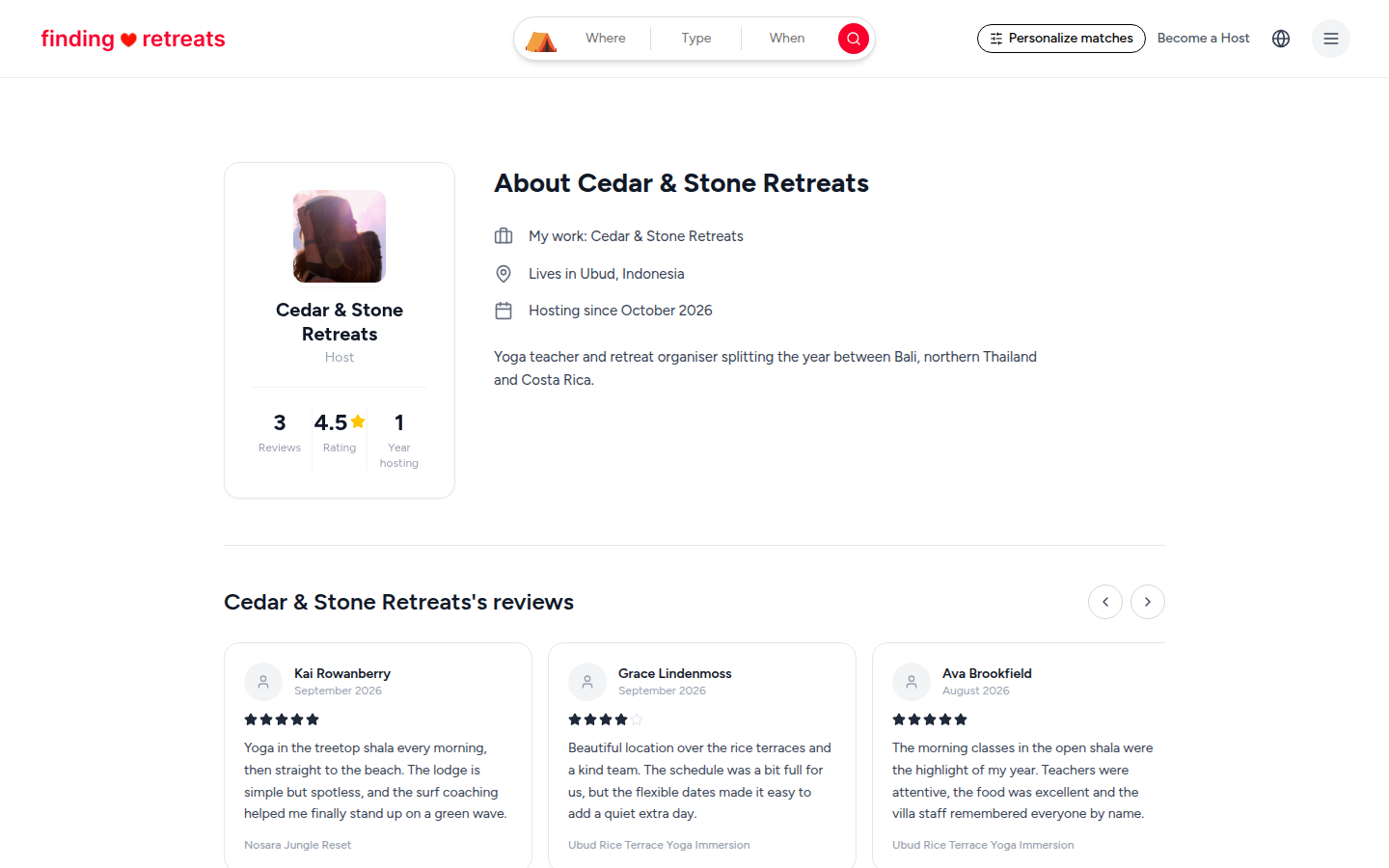
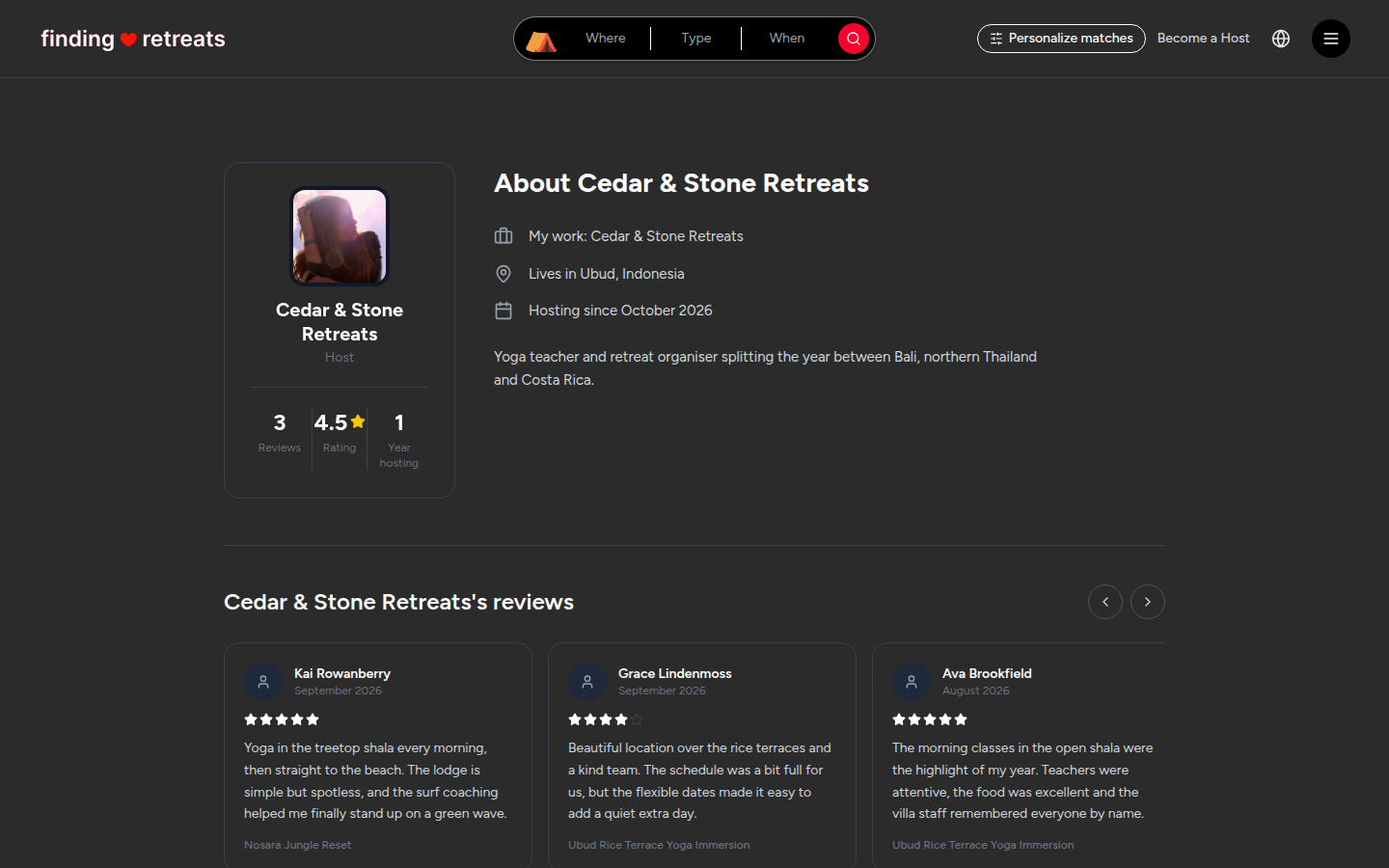
The host card at the top (top left on a computer): their photo, name, how many reviews they have, their average star rating and how long they've been hosting.
About: next to the card on a computer, under it on a tablet or phone. Where they work and live, when they started hosting, and a few words about themselves.
Reviews: reviews from guests across all of the host's retreats. On a computer, click the arrows at the right end of the heading to see more. On a phone or tablet, swipe the row sideways. Each review shows which retreat it was for. See How do reviews work?
Retreats, Wellness Services and Experiences: a card for each thing the host offers, with the place and the starting price. Click a card to open it.
Good to know
If you already like a host's style, their profile is the quickest way to compare their other retreats and dates.
To ask the host a question, go back to the retreat page and press Send inquiry in the booking box (on a computer or tablet). See How do I message a host?
Common questions
I'm on a phone and can't see Meet your host.
The host's card isn't on the phone version of the retreat page yet. Open the retreat on a computer or tablet to reach the host's profile.
Can I follow a host?
Not yet. Save their retreats to your wishlist with the heart instead. See How do I save a retreat to my wishlist?
Still stuck? Message us. On a computer or tablet, click the round menu button with three lines at the top right of the page and choose Messages. On a phone, tap Messages in the bar at the bottom of the screen. Change All to Support above your conversations, then press Contact Support.
Related: What's on a retreat page? · How do I read the reviews on a retreat? · How do I message a host?