


If your retreat is already listed on BookYogaRetreats (Tripaneer), you can import it instead of building the listing by hand. The import creates a draft in your dashboard that you review and publish. The full overview is on Import your retreat listing.
Before you start
The importer accepts bookyogaretreats.com URLs only. Listings on other platforms are built in the listing wizard.
One import runs at a time per host. Finish or cancel the current one before starting another.
A URL that has already been imported is rejected. If that listing is yours, contact support to claim it.
Import your listing
Sign up as a retreat host and follow onboarding to the
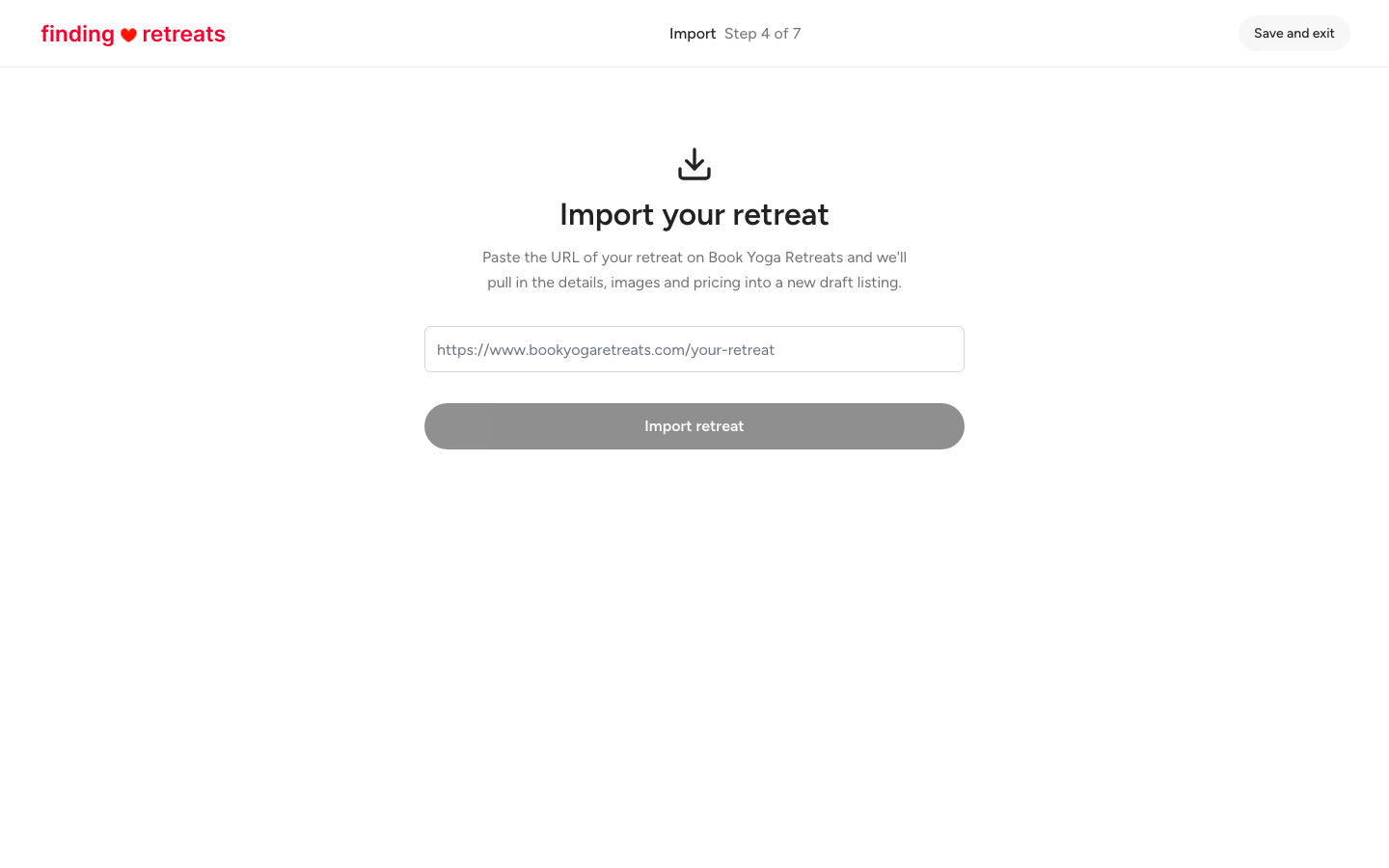
Import
step.
Paste the full address of your retreat on bookyogaretreats.com and select
Import retreat
.
Wait while the progress list runs: fetching the page, extracting the details, migrating photos, saving the draft. You can select
Cancel
at any point. An import takes up to about five minutes.
When it finishes you are taken to the Property step of the listing wizard. Check each room and its price, then work through the remaining sections.
Publish the listing when every section is correct.
What comes across
Title, introduction and description
Retreat types, duration, group size, skill level and languages
Location
Property types and amenities, with room types and per-room pricing created as rooms and pricing groups
Dates and sessions
Pricing, currency and price options
What is included and not included
Daily schedule and activities
Instructors, added as team-member profiles
Photos and gallery, moved to our image CDN
Highlights
Cancellation and refund policy text
What does not come across
Reviews and ratings
Booking history
Anything the source page does not show publicly
The import lands as a draft, so nothing is visible to guests until you publish. You do not need to remove the listing from BookYogaRetreats, and Finding Retreats never asks for rate parity.