


For guests. Page: any retreat page. Open one by clicking a retreat card on the home page or in your search results.
Reviews are written by guests after their stay. Each one has an overall star score and separate scores for value, accommodation, food, location and the activity itself.
See the overall score
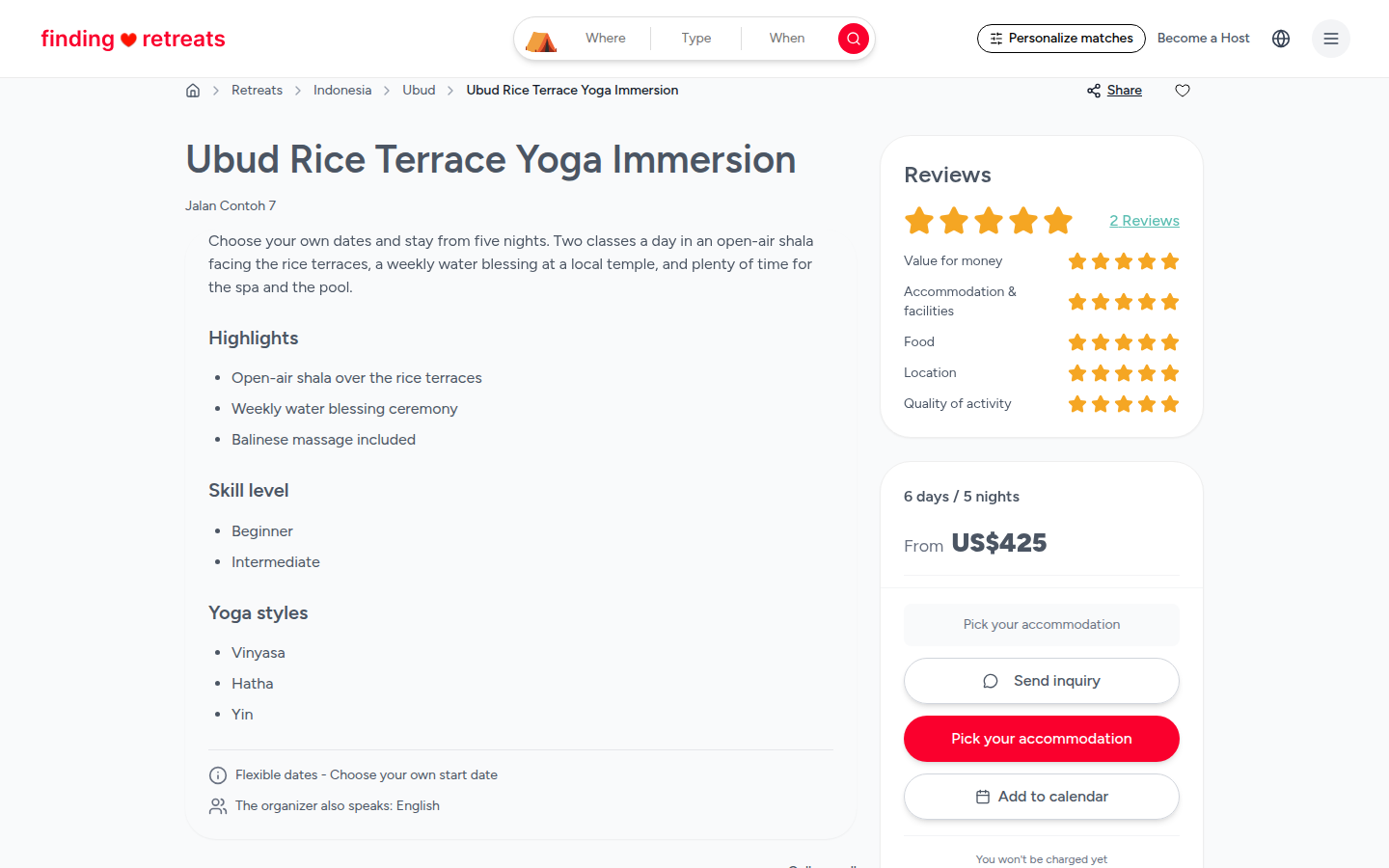
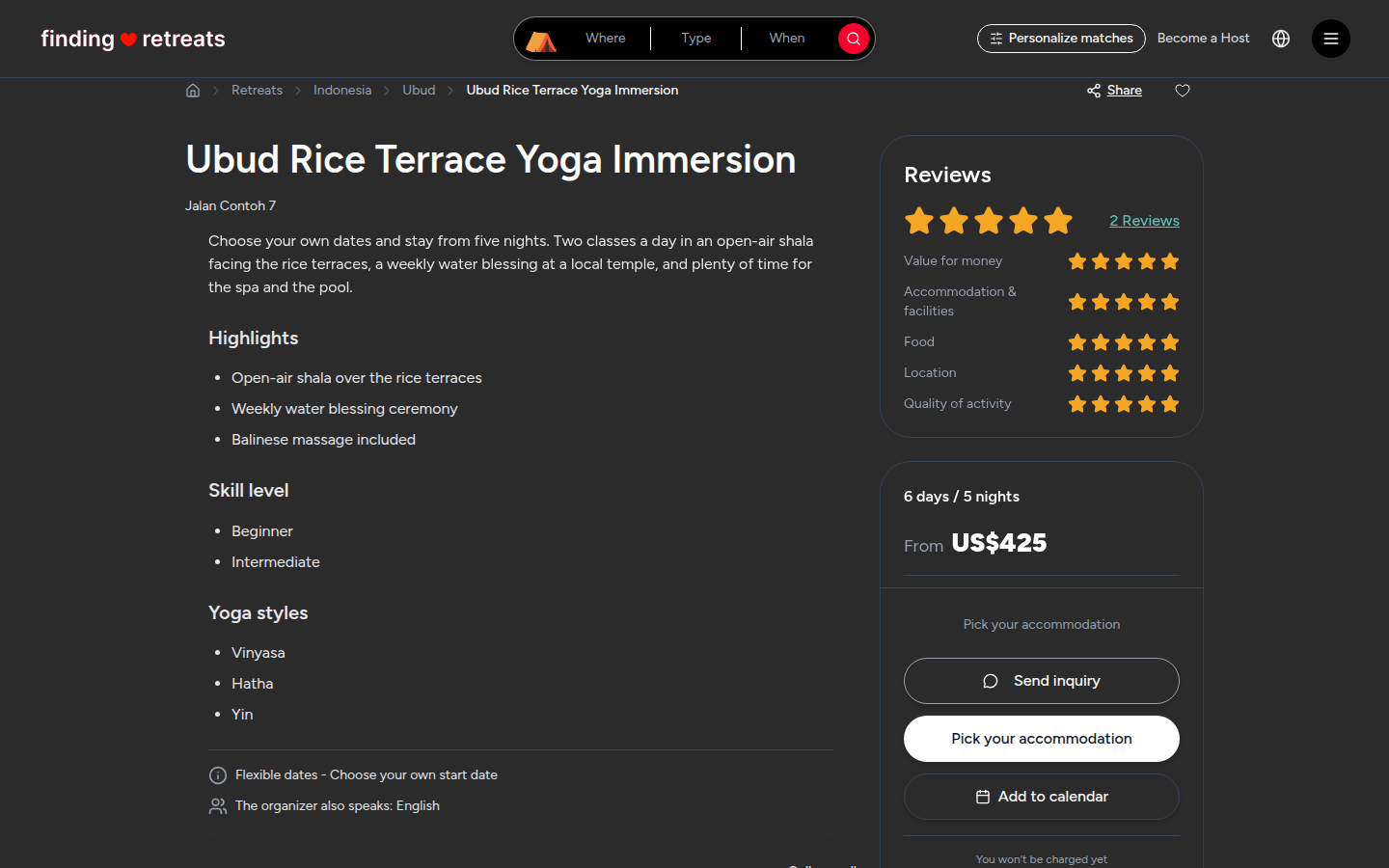
On a computer, look at the Reviews box at the top right of the retreat page, above the booking box. (On a tablet, this box is near the bottom of the page, after the reviews.) It shows the average stars and the scores for Value for money, Accommodation & facilities, Food, Location and Quality of activity.
Click the underlined link next to the stars (for example 2 Reviews). The page scrolls down to the reviews.
On a tablet or phone, scroll down past Requirements & Policies. The reviews start with a heading such as "4.5 · 2 Reviews".
Read and sort the reviews
Under the heading is a big score (for example 4.5) and five bars, one for each star level, showing how many reviews gave that score.
Click a bar, for example the 5 bar, to show only five-star reviews. Click it again to show all reviews.
Use the Filter drop-down under the bars to show All Reviews, Verified Only, or one star level.
Use the Sort by drop-down to order them: Most Recent, Highest Rated, Lowest Rated or Most Helpful.
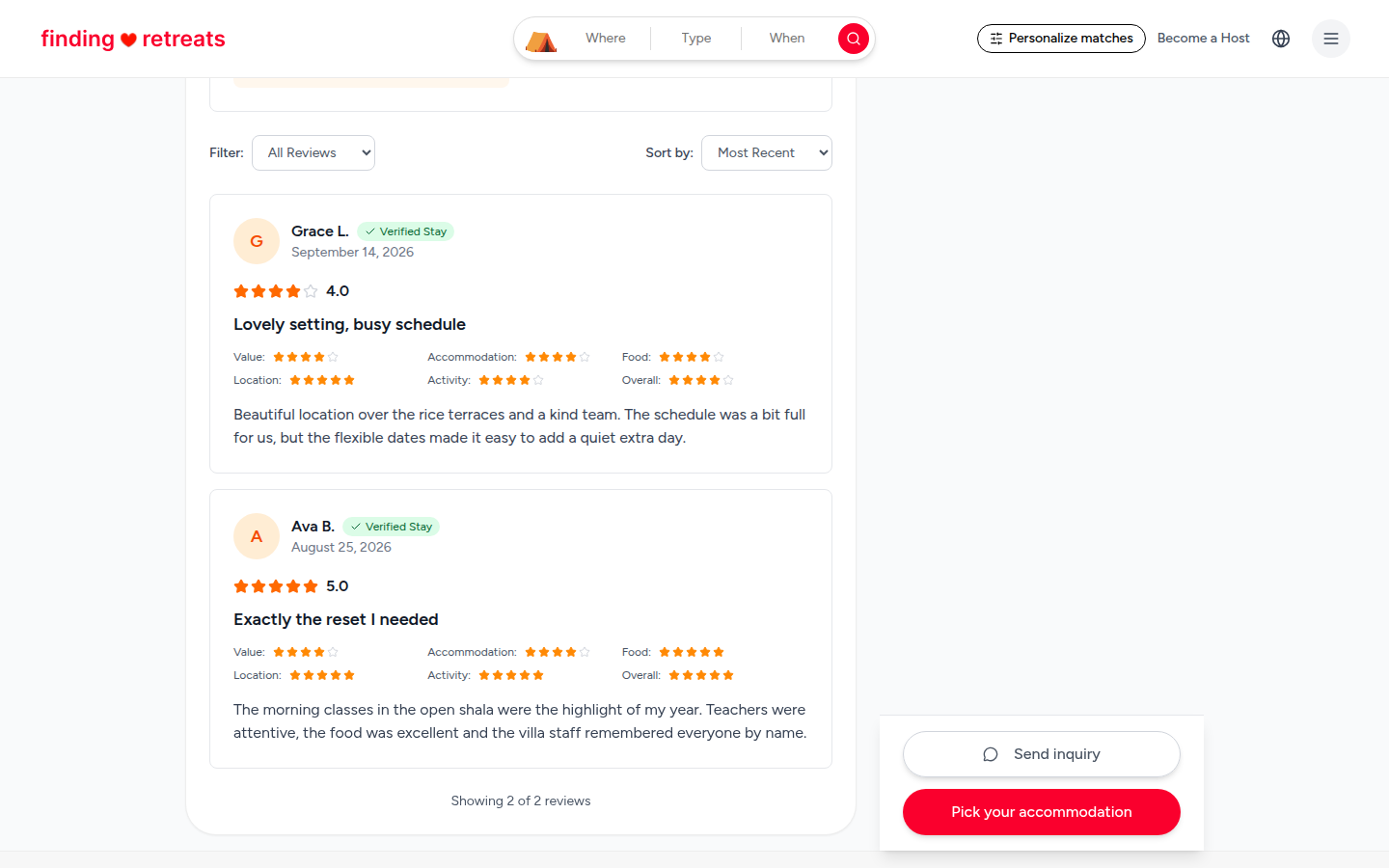
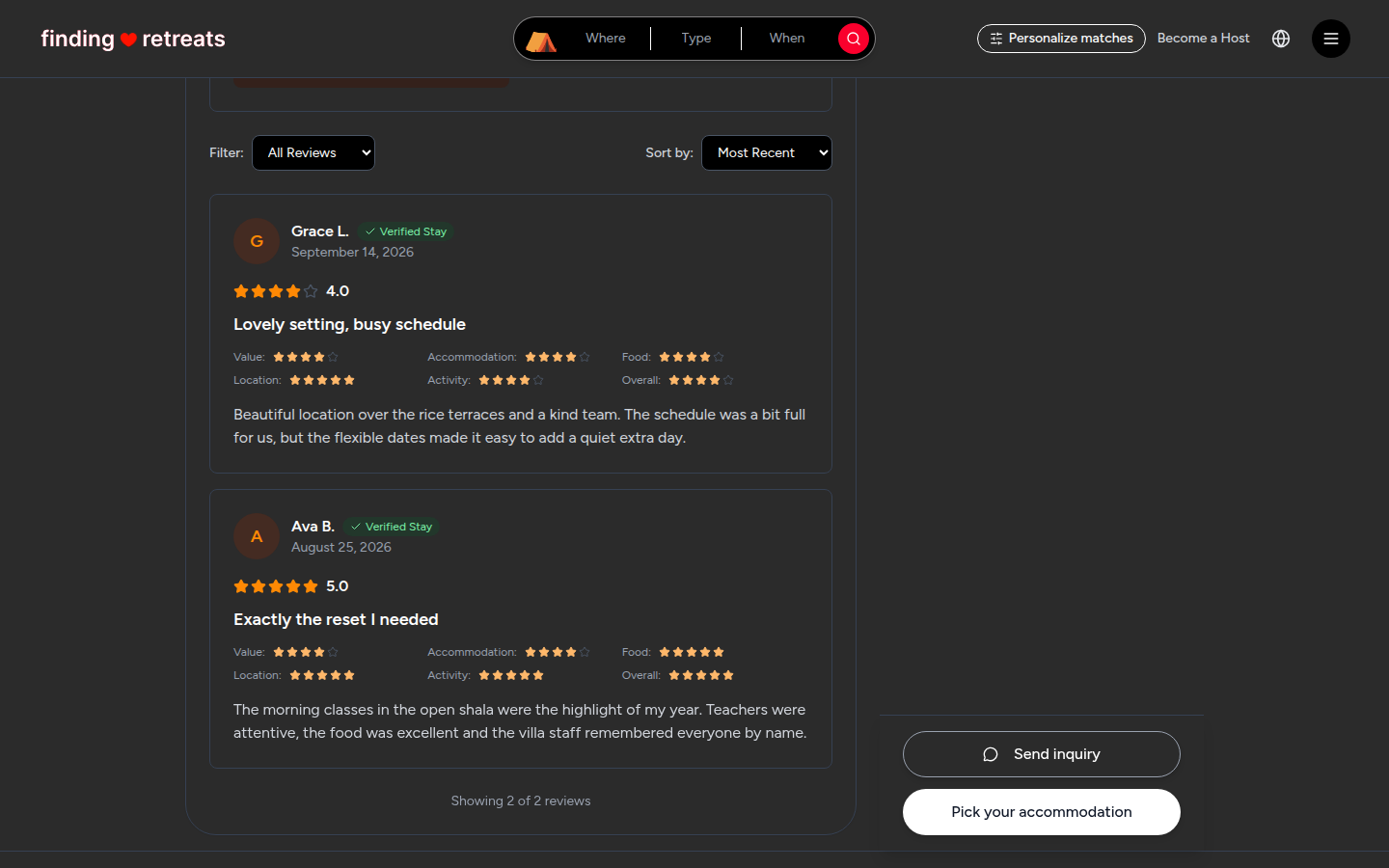
Each review card shows the guest's first name, the date, their overall score, a title, the scores for Value, Accommodation, Food, Location and Activity, and what they wrote.
A green Verified Stay label means the guest booked and stayed through Finding Retreats.
The line under the last review (for example "Showing 2 of 2 reviews") tells you how many reviews you're looking at.
Tips
Read the most recent reviews first. Hosts, rooms and programs change over time.
Look for the same comment in several reviews, for example about the food or a busy schedule. That's usually a good sign of what to expect.
No reviews yet usually means the retreat is new on Finding Retreats. Ask the host your questions with Send inquiry in the booking box (on a computer or tablet).
Common questions
Can I write a review?
Yes, after your retreat. See How do I leave a review?
Can I see all of a host's reviews in one place?
Yes. Open the host's profile to see reviews of all their retreats. See How do I see everything a host offers?
Still stuck? Message us. On a computer or tablet, click the round menu button with three lines at the top right of the page and choose Messages. On a phone, tap Messages in the bar at the bottom of the screen. Change All to Support above your conversations, then press Contact Support.
Related: How do reviews work? · What's on a retreat page? · How do I see everything a host offers?