


For guests. Page: the retreat you want to book. Open it by clicking a retreat card on the home page or in your search results.
You can book places for several people in one booking. The person who books pays for everyone and is the host's main contact.
Book for a group
Open the retreat and pick your date in the booking box (on a computer it's on the right of the page; on a tablet it's at the bottom of the page; on a phone, tap Check availability at the bottom of the screen).
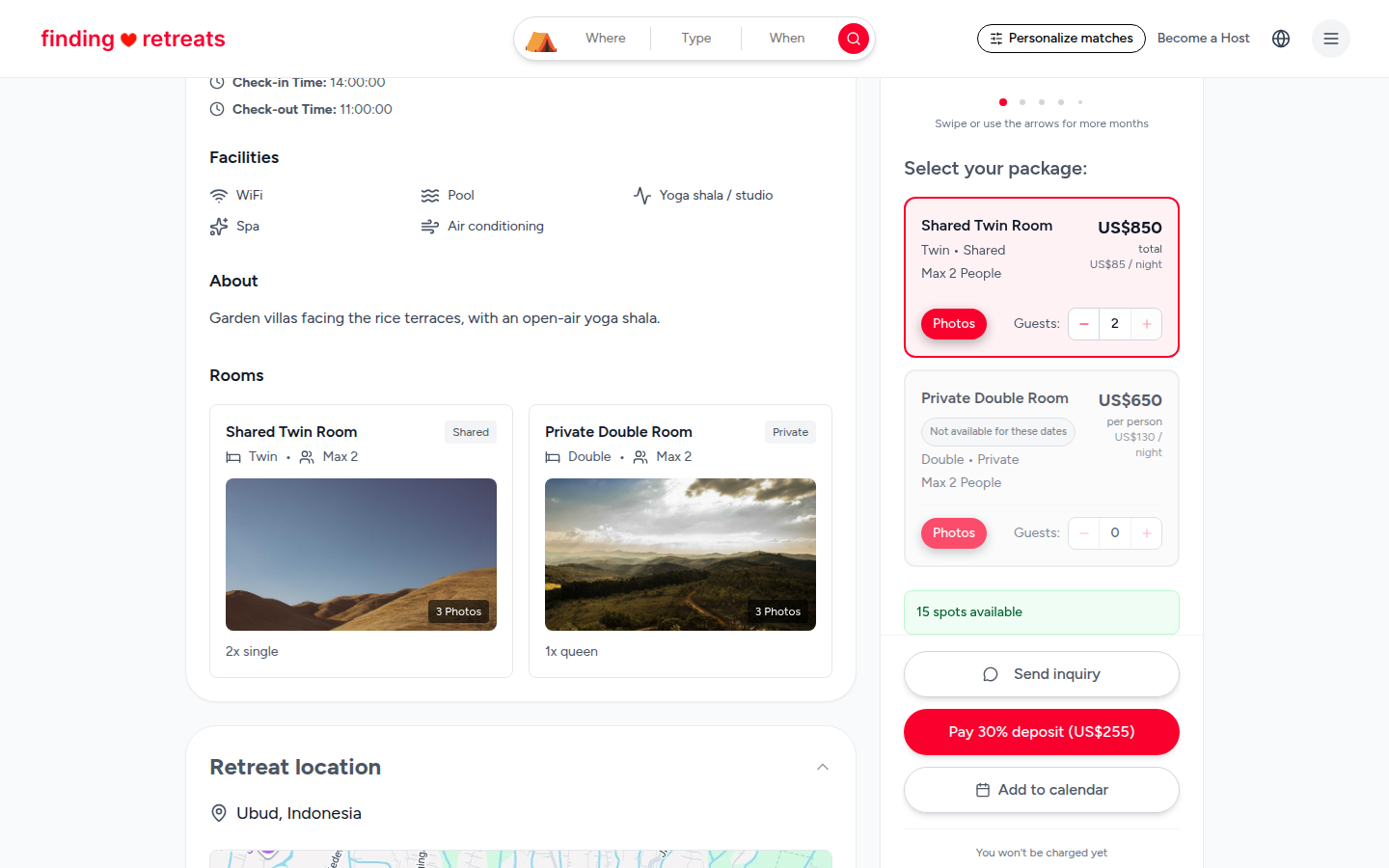
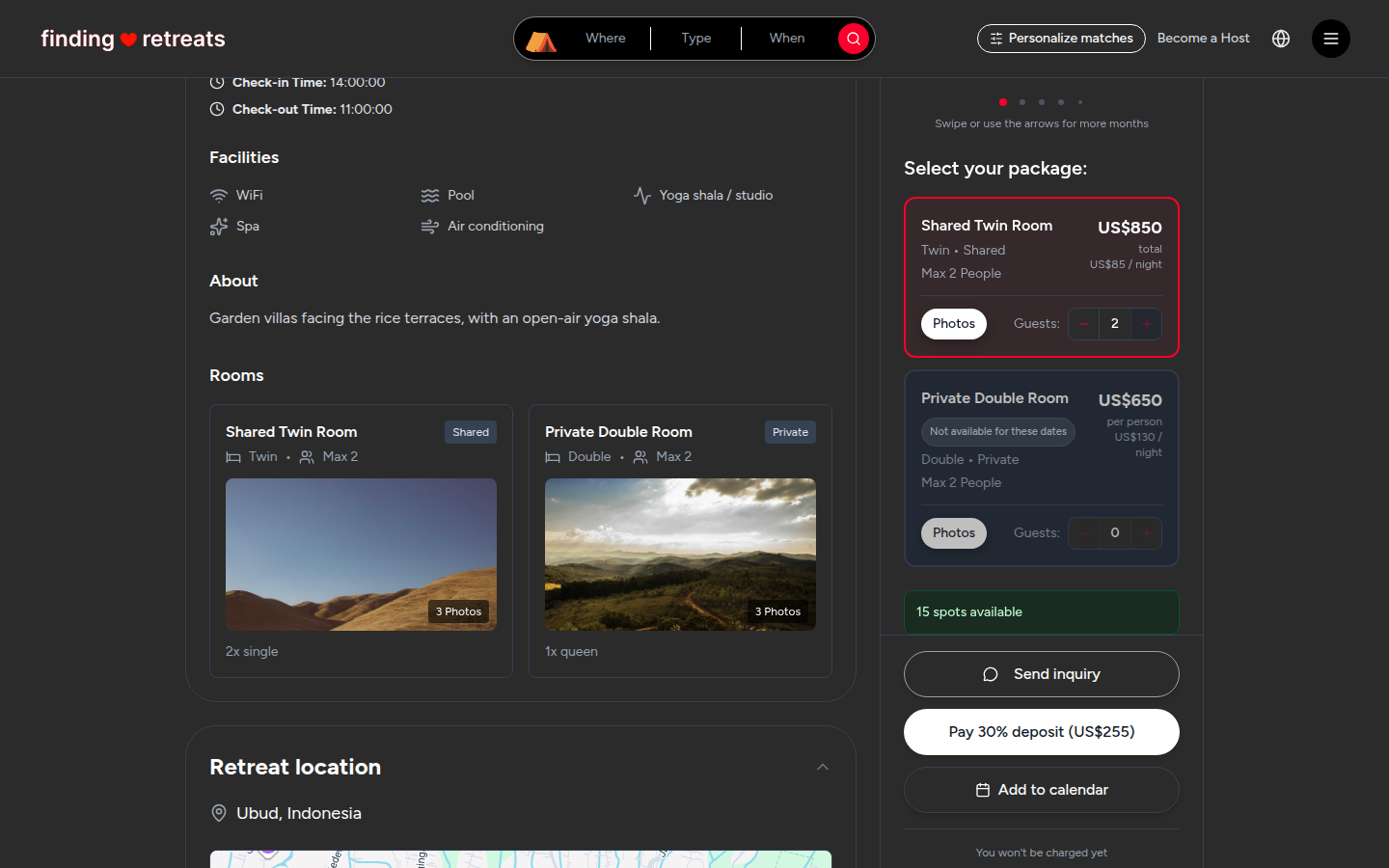
Look at the rooms under "Select your package:". Each room says how many people it sleeps, for example "Max 2 People", and whether it's Shared or Private.
On each room you want, press + next to "Guests:" once for every person who'll sleep in that room, including yourself. For example, for four friends you might add 2 guests to one twin room and 2 to another.
You can add guests to more than one room type in the same booking.
Check the total under the rooms, then press the red button to pay the deposit (or Request to book). The summary shows every room and the number of guests in each.
Pay with one card. The deposit for the whole group is charged to that card.
Good to know
We only ask for the details of the person who books. If the host needs your friends' names, dietary needs or other details, send them in a message. See How do I message a host?
Your friends won't get emails from us. Share your confirmation with them: on your Bookings page, press Confirmation on the booking, then Print. Or forward them your confirmation email.
Most rooms are priced per person, so the price goes up with each guest you add. A few are priced for the whole room; the summary shows "Whole room" for those.
If the room you want is greyed out with "Not available for these dates", it's full. Try another room or date.
Common questions
Can we split the payment?
Not yet. One card pays for the whole booking. Settle up with your friends yourselves.
Can someone join later?
Message the host from your booking to ask. If they have space, they can help you.
Can I book for someone else and not go myself?
Yes, but tell the host in a message who is coming, so they know who to expect.
Still stuck? Message us. On a computer or tablet, click the round menu button with three lines at the top right of the page and choose Messages. On a phone, tap Messages in the bar at the bottom of the screen. Change All to Support above your conversations, then press Contact Support.
Related: How do I book a retreat? · How do I pay for my booking? · How do I message a host?