


At year-end, we make tax statements available for the previous calendar year. Use them with your accountant.
When statements are ready
By January 31 each year for the previous year.
Download
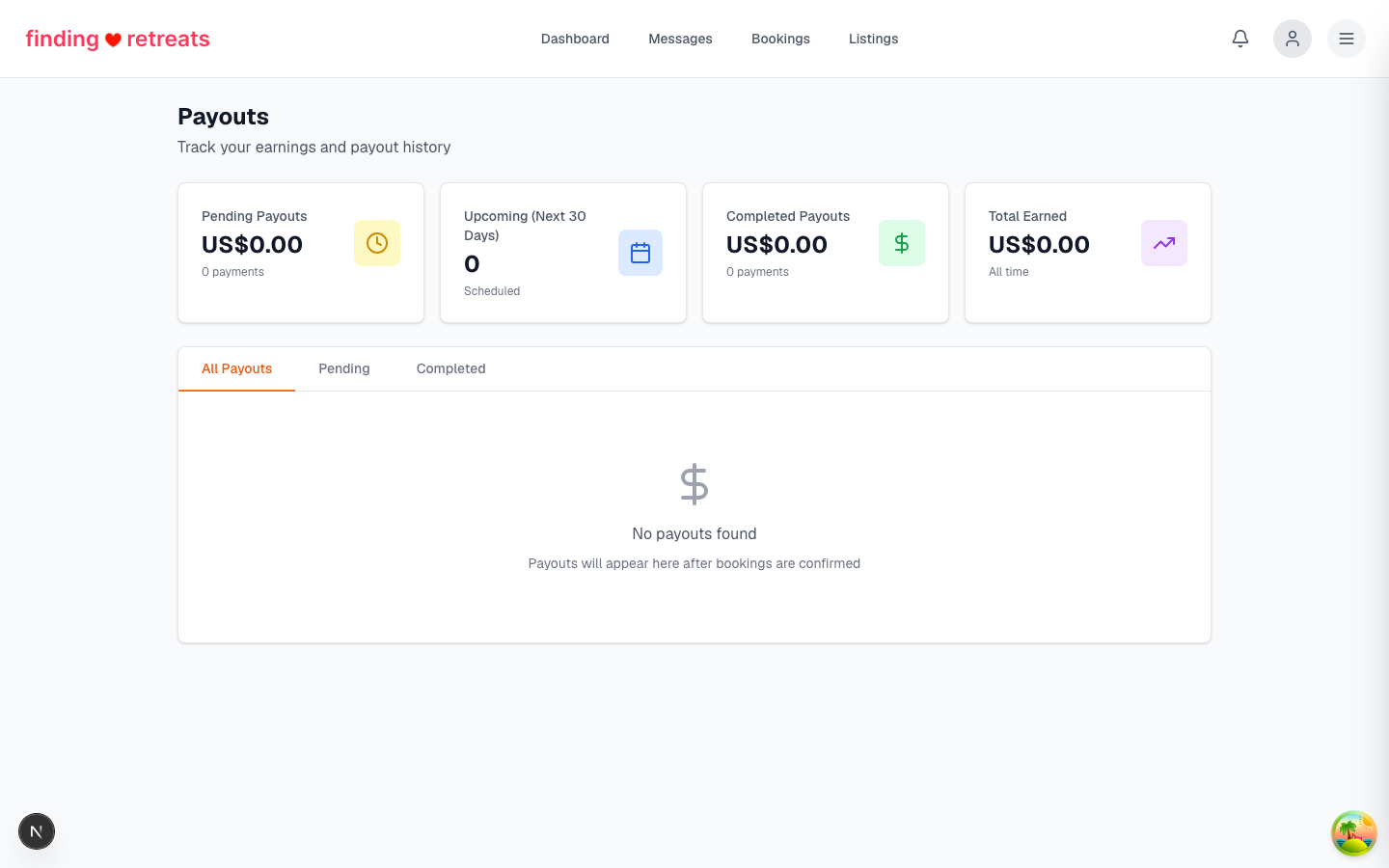
Open Payouts →
Statements
.
Pick the year.
Click
Download CSV
or
Download PDF
.
What's included
Total earnings by month and by listing.
Service fees deducted.
Refunds processed.
Net amount paid to you.
Currency breakdown if you operate multi-currency.
Tips
Your accountant or bookkeeper can see the sales overview if you invite them as a team member with the Staff role. Payouts and bank details stay owner-only, so export those from Payouts yourself.