


On Finding Retreats, hosts choose from the payout methods we offer in account settings — you don't need to set up Stripe Connect or any third-party account yourself.
Set your payout method
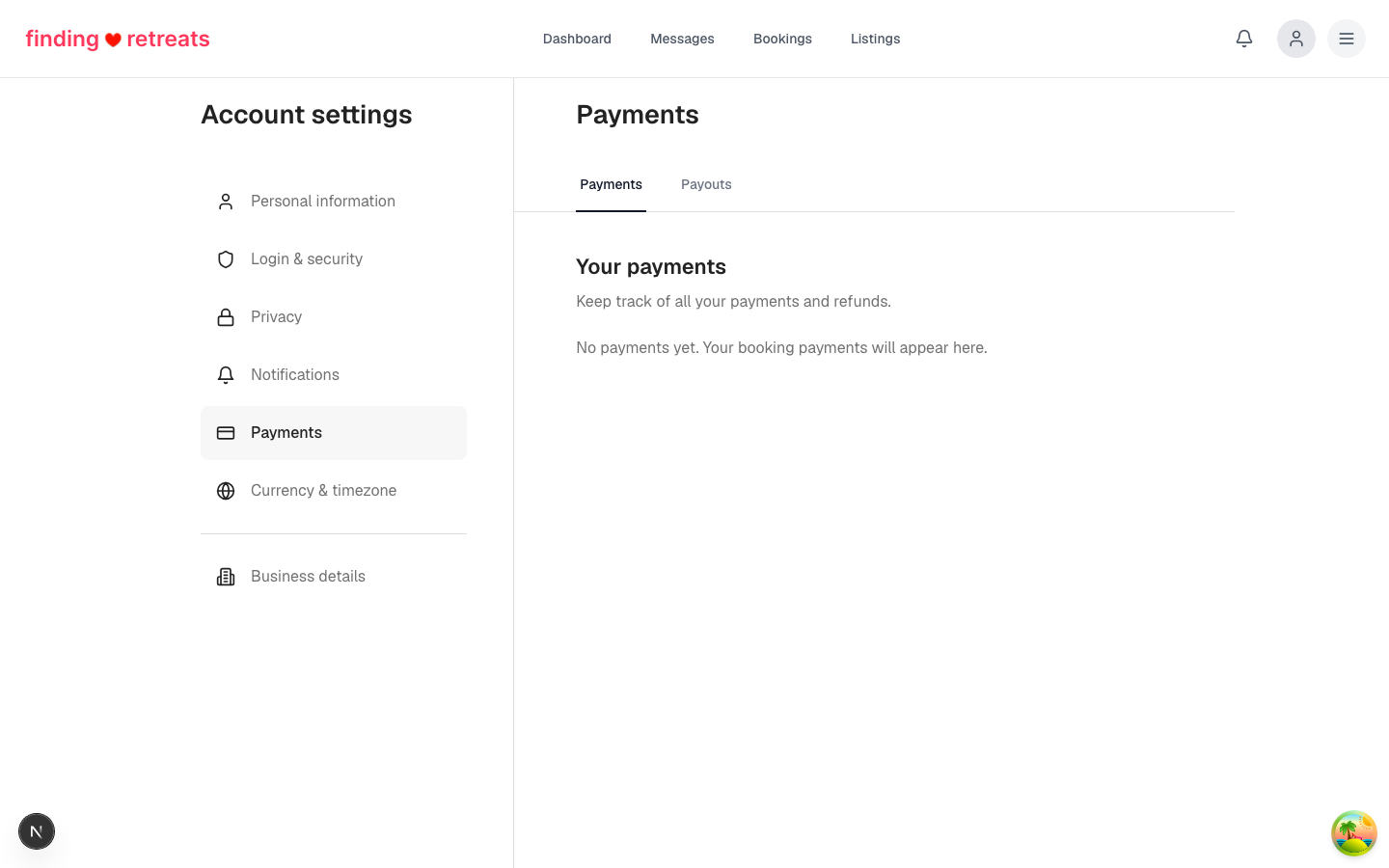
Open Payments in account settings.
Click Add payout method.
Pick from the options shown — bank transfer (local or international), Wise, PayPal, or others available in your country.
Enter the required details (bank account, IBAN, email).
Save.
When you'll be paid
Payouts are released after a guest checks in.
Most methods land in 1–3 business days; international wires take up to 7.
You can see the next scheduled payout under Payouts.
Tips
You can change your default payout method anytime — the change applies to future payouts only.